Blurry photos from a phone with excellent cameras always have a specific cause — and most of them are cheap to identify. Work down this list before assuming the worst.
Start embarrassingly simple
Clean the lens. Not with your shirt — with a microfibre cloth. Pocket oils, sunscreen and monsoon grime create a soft-focus filter you stop noticing. Also check your case and screen guard aren’t creeping into the frame edge, and try removing any cheap add-on lens attachments.
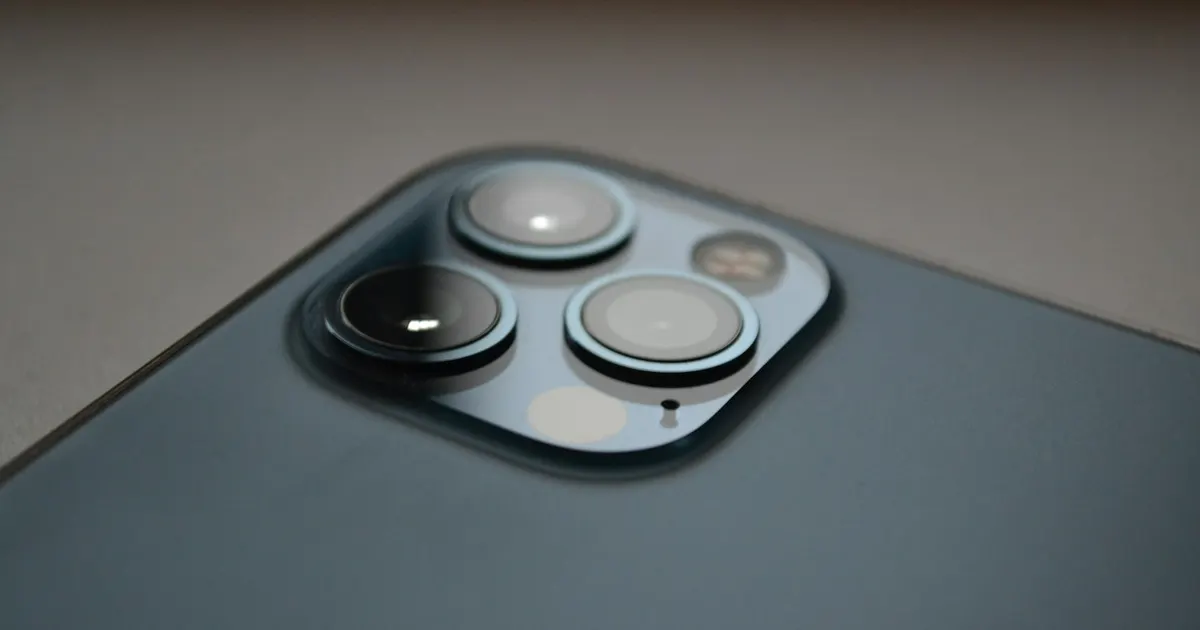
Then test each lens in the Camera app (0.5×, 1×, telephoto): one blurry lens with others sharp is hardware in that module. All lenses equally soft is more likely dirt or focus behaviour.
The big one in Guwahati: OIS failure
Optical image stabilisation suspends the lens on tiny magnetic motors. Two things kill it:
- Drops — the classic. Photos afterwards look sharp until the shot is taken, then come out smeared, especially in low light.
- Motorcycle and scooter mounting — sustained handlebar vibration wears the OIS mechanism. If your phone lives on a bike mount for navigation, this is a when-not-if problem; use a vibration-damped mount.
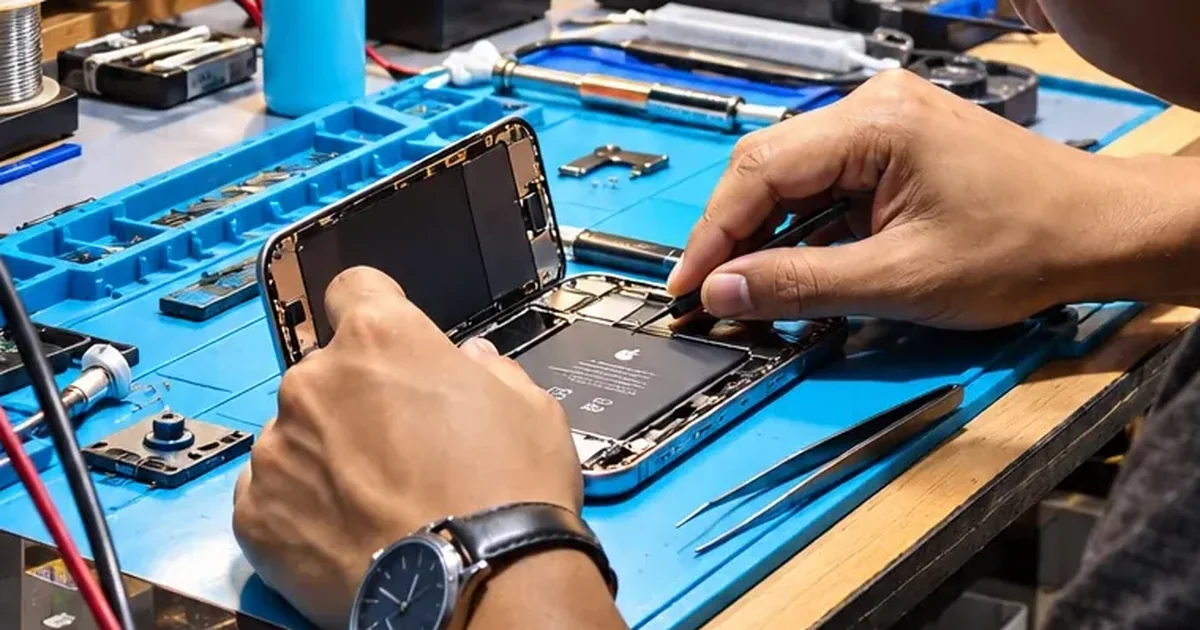
The symptoms: shaky viewfinder, a buzzing sound from the camera, sharp-then-blurry photos. The fix: camera module replacement — routine work at our bench.
Fog, scratches and dead modules
- Fog under the lens after rain or bathroom humidity means moisture is inside the phone. The picture may clear; the corrosion risk doesn’t. Get it inspected.
- Scratched lens cover: the outer sapphire glass can be replaced without touching the camera itself — a smaller repair than people expect.
- Black screen in the Camera app, or the camera “missing”: module or connector failure — occasionally board-level, which our microsoldering bench covers.
Get it diagnosed free
Bring the phone to Bhangagarh (Mon–Sat 10–7) or WhatsApp a sample blurry photo plus your model to +91 91271 99144 — camera faults are often identifiable from the photos they produce, and we’ll tell you what the fix involves before you visit.