You plug in your iPhone and instead of charging it throws up a warning: liquid has been detected in the connector. Charging stops.
First, the reassuring part: this is the phone protecting itself. It is a feature working correctly, not a fault. And in Guwahati it fires on a great many phones that have never been near a spill.
Second, the part that matters: there is exactly one way to turn this harmless warning into a genuine repair, and it is the option the phone offers you on screen.
What the alert is actually doing
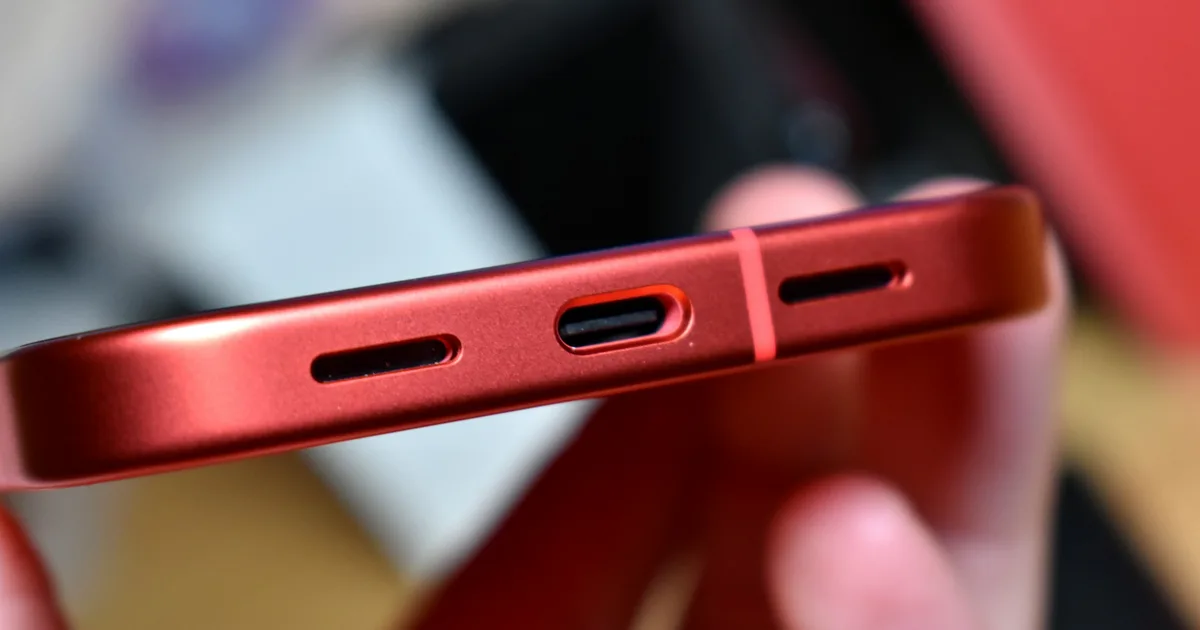
There are moisture-sensitive contacts in the charging port. When they detect moisture, iOS disables charging.
The reason is simple electrochemistry. Passing current through wet metal contacts causes corrosion, quickly. Corroded pins in a charging port mean intermittent charging, then no charging, and in the worst cases damage further up into the charging circuit on the board.
So the phone would rather not charge for a few hours than damage itself permanently. That is the right trade, and it is why you should let it.
Why this happens in Guwahati to dry phones
This alert is far more common here than in drier parts of India, and most of the phones that show it were never dropped in anything.
- Monsoon humidity — months of very damp air, and a port is an open hole in the side of the phone
- Sweat — a phone in a trouser pocket or a gym bag, in this climate
- Rain — a few minutes walking to a vehicle is plenty
- Condensation — moving from an air-conditioned room or vehicle into warm damp air puts moisture on and in a cool phone
- Humid rooms — a phone charging in a bathroom or near a kitchen
The sensor is deliberately cautious. It would rather warn you unnecessarily than let you corrode the port. So a warning on its own is not evidence that anything went wrong.
Do this
1. Unplug the cable. Straight away.
2. Do not use the override. More on that below — it is the important one.
3. Stand the phone upright, port facing down. Gravity does most of the work. Prop it against something, screen facing out, port at the bottom.
4. Put it somewhere with moving air. A fan is ideal. An open window with a breeze is fine. Room temperature — not sunlight, not a heater.
5. Wait a few hours. Overnight clears the great majority of cases.
6. Try again. If the warning has gone, charge normally. If it appears again, give it longer.
7. In the meantime, use wireless charging if your phone supports it. It does not use the port at all, so it is completely safe here. This is the single most useful thing to know when the alert appears and your battery is low.
Do not do this
Do not use the emergency override. iOS offers to charge anyway. That option exists for genuine emergencies — you are stranded, you need a working phone, and you accept the consequences. Used casually, it is how this warning becomes a repair bill. It is the single most common mistake with this alert.
Do not use a hairdryer, heater or direct sunlight. Heat drives moisture further inside and damages seals and adhesive. It makes a simple problem into a complicated one.
Do not put it in rice. Rice cannot draw moisture out of a connector — it is not in contact with it. It costs you hours of drying time you could have spent with a fan, and rice dust and starch in the port actively make things worse.
Do not put anything into the port. No cotton buds, no tissue, no pins, no paper clips. The pins inside are small and easily bent, and cotton fibres left behind hold moisture and block the connector.
Do not blow compressed air into it. That pushes moisture inward, which is exactly the wrong direction.
Do not keep trying the cable every five minutes. Each attempt is another chance to pass current through wet contacts. Leave it alone.
When it is more than moisture
Most cases clear by themselves. These do not:
It is still warning after a full day of drying. Something is holding moisture in there — often compacted pocket lint, which is remarkably good at trapping damp against the pins.
It comes back again and again on a dry phone. This usually means corrosion has already begun on the contacts, or debris is bridging them. It does not resolve on its own; it progresses.
The phone actually got wet. A genuine spill or submersion is a different situation entirely, and time matters a great deal — see what to do in the first minutes after liquid damage. Do not wait to see whether the warning clears.
Charging has become unreliable — works at certain angles, or only with the cable held a particular way. That is a port or contact problem regardless of the warning. See iPhone charging port not working.
There is visible discolouration or green residue in the port when you shine a light in. That is corrosion, and it spreads.
In those cases the port should be looked at properly. A blocked or lightly corroded port can usually be cleaned under magnification — it is one of the smaller jobs we do. What you want to avoid is letting corrosion work its way from the connector into the charging circuit on the board, which is a much bigger piece of work.
The prevention that actually helps here
Given this climate, three habits genuinely reduce how often you see this alert:
Check your port for lint every few months. Shine a torch into it. If you can see grey fluff compacted at the bottom, that is a wick holding moisture against the contacts. Have it cleaned properly rather than digging at it yourself.
Dry the outside of the phone before plugging in. Obvious, routinely skipped — particularly during monsoon.
Use wireless charging during the wet months if your phone supports it. The port stays untouched and undisturbed.
If the warning keeps coming back, or your phone has started charging only at certain angles, get the port looked at before it becomes a board-level problem. Bring it to the workshop in Bhangagarh, or tell us what it is doing first and we will tell you whether it needs a visit at all.
Charging port repair in Guwahati → · Contact us → · Phone: +91 91271 99144