Every summer, “my iPhone is overheating” walk-ins spike at our Bhangagarh counter. About half are phones behaving normally in a hot city. The other half have a real problem — and telling them apart is what this guide is for.
Heat that’s normal
iPhones generate heat whenever they work hard, and the aluminium-and-glass body is designed to spread it to your hand. Expect warmth during:
- Fast charging (especially the first 50%)
- Camera and video recording sessions
- Navigation with the screen on
- Gaming, video calls, hotspot use
- iOS updates and the first day after one (background indexing)
Warm here is fine. It should fade when the activity stops.
Heat that isn’t
- Hot during light use — reading, messaging, idle in your pocket. The most common culprit we find is a worn battery: ageing cells run less efficiently and shed the loss as heat.
- Temperature warnings in normal conditions. Once a year in a parked car is circumstance; regularly at your desk is a fault.
- Heat + fast drain together. The classic worn-battery double act.
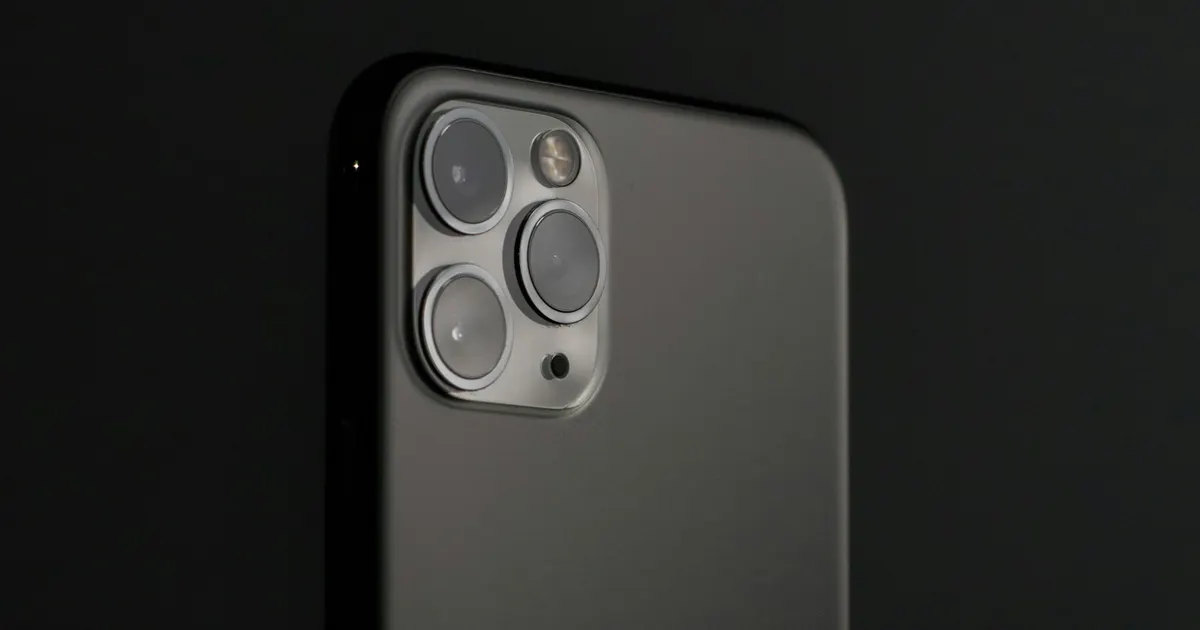
- One concentrated hot spot, often near the camera or centre-back — points at a specific component and deserves a bench look, especially with any drop or liquid history.
- Heat only while charging, with any charger. Could be the battery, the charging IC, or lint forcing a poor port connection.
What you can do today
- Get it out of direct sun — dashboard phone mounts in Guwahati summers are battery killers.
- Take the case off while fast charging.
- Use certified chargers; bargain adapters deliver dirty power that becomes heat.
- Check Settings → Battery for one app burning power in the background.
- Check Battery Health — 80% or below explains a lot.
When to bring it in
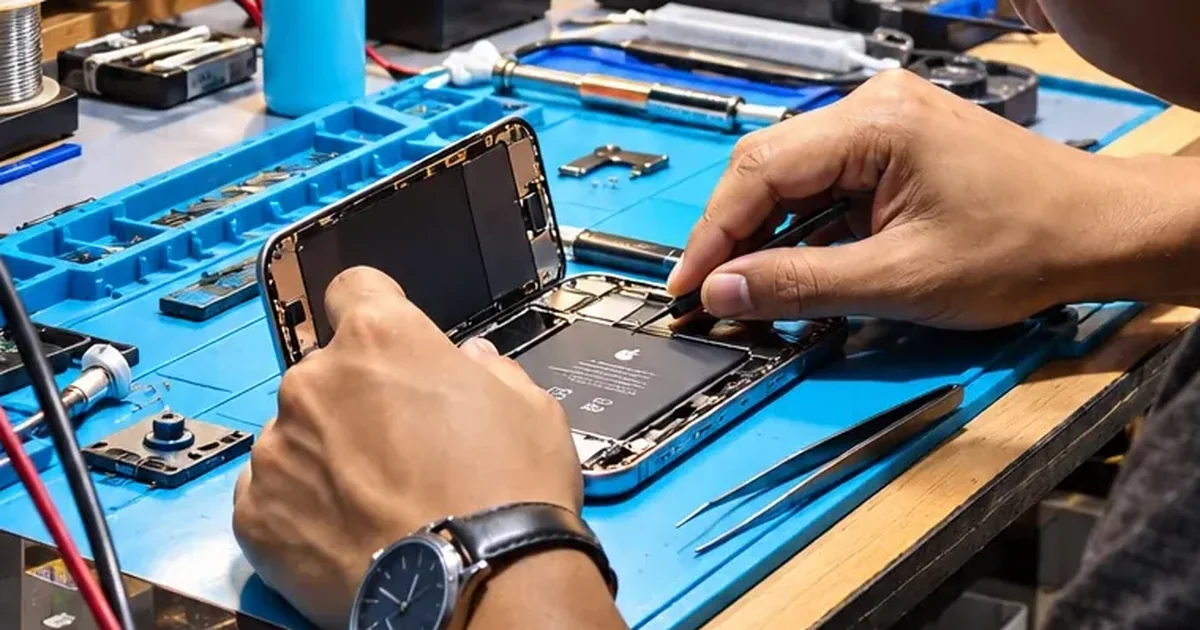
Persistent heat during light use, warnings, hot spots, or heat paired with shutdowns — that’s diagnosis territory. It’s free at iFix Guwahati, and the earlier a heat problem is caught, the cheaper it stays: prolonged heat quietly damages the battery and neighbouring components. +91 91271 99144.
Just updated iOS? Heat and fast battery drain in the first few days after a major update are usually background reindexing, not a fault — what is normal and how long it lasts.