Face ID is the repair topic with the most misinformation in the market — shops promising fixes that are technically impossible, and others declaring repairable faults “dead” because they lack the bench for it. Here’s how it actually works, from a workshop that does board-level repair daily.
Rule out software first (five minutes)
- Clean the sensor area — the strip at the top of the screen. Oils, screen-guard edges and dirt genuinely block the infrared system.
- Check your screen protector. Cheap guards with poor cutouts are a classic silent killer.
- Re-enrol: Settings → Face ID & Passcode → Reset Face ID, then set it up again.
- Update iOS. Face ID bugs do get patched.
- Restart the phone.
If Face ID works sometimes or struggles at angles, software and dirt are likely. If it’s completely dead with a “Face ID is not available” message, keep reading.
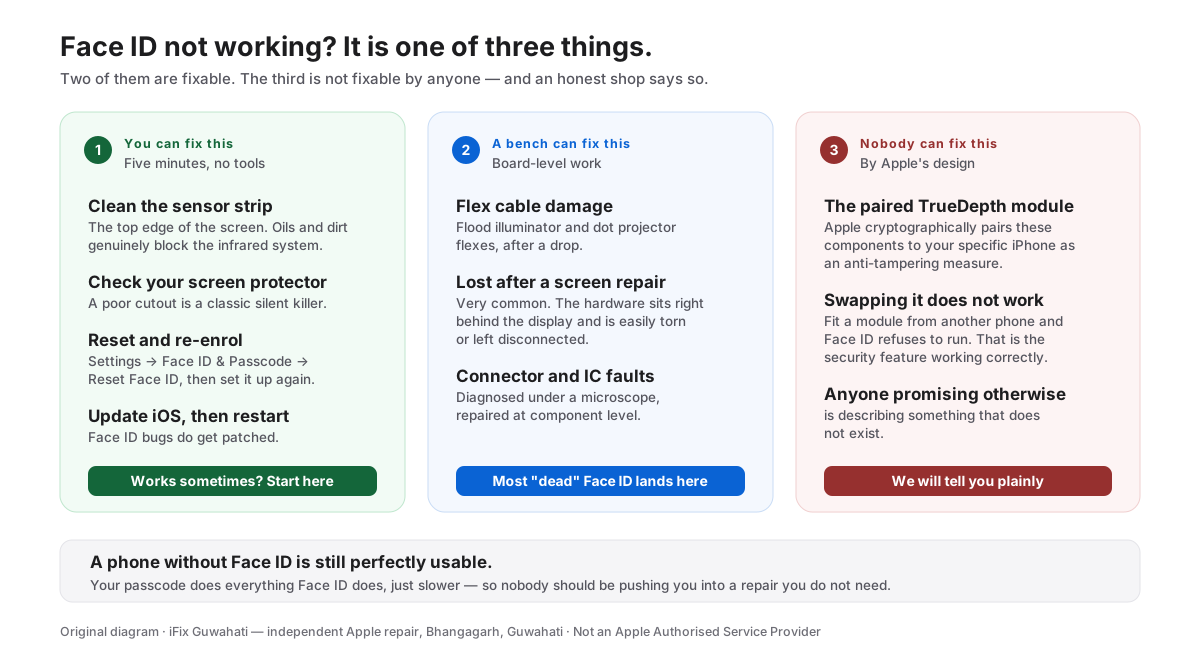
Our own diagram — the three groups every Face ID fault falls into.
The hardware picture — honestly
Face ID lives in the TrueDepth system: an infrared camera, a flood illuminator, and a dot projector, wired to the board by delicate flex cables.
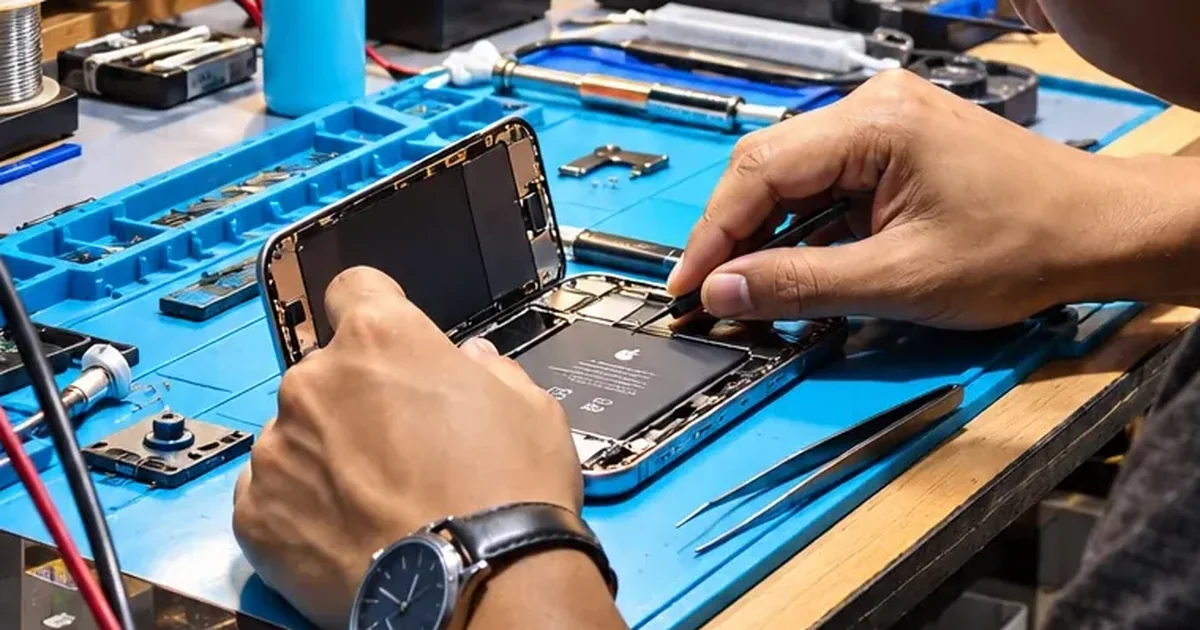
Repairable (common): damaged or disconnected flex cables, flood illuminator faults, connector damage — typically after a drop or a careless screen replacement. This is microsoldering-bench work and we handle it regularly.
Not repairable (by anyone independent): faults inside components that Apple cryptographically pairs to your specific phone. Swapping them from a donor doesn’t work — the phone rejects the “foreign” part by design. Any shop promising otherwise is either confused or planning to hand you back a phone with Face ID still dead.
Why diagnosis first matters here more than anywhere
The same symptom — “Face ID not available” — can be a ₹-modest cable repair or a technically impossible fix. Nobody can tell you which over the phone. Our diagnosis is thorough, under magnification, and ends with a straight answer: fixable and here’s the quote, or not fixable and here’s why (and the phone is still fully usable with a passcode).
Face ID acting up? Walk into our Bhangagarh workshop, Mon–Sat 10–7, or call +91 91271 99144.
On a brand-new iPhone 18 Pro? There is a known software bug causing Face ID failures, freezes and restarts, which Apple has acknowledged — do not pay for a repair.