You updated your iPhone. Now it is warm in your pocket and the battery is gone by afternoon.
Almost everyone concludes the same two things: the update ruined my phone, or I need a new battery. Usually neither is true, and the most useful thing we can tell you is wait.
What is actually happening
When a major iOS version installs, your phone has a great deal of housekeeping to do:
- Spotlight rebuilds its search index across every app and file
- Photos re-analyses your library — faces, places, objects, the search that lets you type “beach”
- Mail reindexes your mailboxes
- Apps update and rebuild their own caches
All of that is processor-heavy. A busy processor gets warm, and a warm, busy phone drains its battery faster than a quiet one.
It is not a bug. It happens on every major update, on every iPhone, and the bigger your photo library, the longer it takes.
How long to wait
Three to five days of normal use. The first 24 to 48 hours are usually the worst.
One thing genuinely speeds it up: leave the phone on charge overnight, connected to Wi-Fi. Most of this background work is designed to run when the phone is idle, charging and not being used. A phone that is never left alone takes far longer to finish.
If you are on day two, your phone is warm, and the battery is going fast — that is the expected shape of it. Do not spend money yet.
“Charging On Hold”
A message some people see for the first time after an update, and it worries them.
It means the phone is too hot or too cold to charge safely, so iOS has paused charging to protect the battery. Apple introduced this with iOS 16.
Apple’s own advice:
- If it is too warm, move it somewhere cooler and out of direct sunlight
- If it is too cold, move it somewhere warmer
- If you are using it, lock the screen and let it rest
Charging resumes on its own once the temperature is back in range. You cannot turn this off, and you should not want to — charging a hot battery is exactly what damages it long-term.
In Guwahati this shows up more often than people expect: a phone charging in a warm room, in a case, while being used, during an update, is fighting on several fronts at once.
Things worth doing while you wait
Not urgent, but they help:
Take the case off while it charges for the first few days. Cases trap heat, and heat is the enemy of both performance and battery lifespan.
Do not use it heavily while charging. Gaming or video calls on charge is the reliable way to make a phone hot.
Keep it out of the sun and off the dashboard of a car.
Check Settings → Battery and look at the list of apps by usage. If one app is at the top and you have barely opened it, delete and reinstall that app — occasionally an app gets stuck after an update and burns power in the background.
Restart the phone once. It clears stuck processes, and after an update it is more useful than usual.
When it is not the update
After a week, check this one screen:
Settings → Battery → Battery Health & Charging.
| Maximum Capacity | What it means |
|---|---|
| Above 85% | The update was the cause. It should have settled by now. |
| 80–85% | Ageing. The update revealed it rather than caused it. |
| Below 80% | The battery is at the end of its useful life |
Here is the part worth understanding: an update cannot damage a battery. What it can do is work the phone hard for a few days — and a battery that was already tired will fail that test visibly.
That is why an update so often looks like the moment a battery died. It is really the moment you noticed.
If you are below 80%, a battery replacement is a routine, inexpensive repair that will transform the phone. More on how to tell when a battery genuinely needs replacing, and on separating software drain from a worn battery.
When to stop waiting and act
Most post-update heat is harmless. These are not:
Too hot to hold comfortably. Warm is fine. Uncomfortable is not. Stop charging, remove the case, let it cool.
Hot while doing nothing at all, days after the update, with no app showing heavy use.
Hot and not charging properly, or charging only at certain angles — that is a charging system problem, not an update.
Any swelling. A back panel lifting, a screen pushed up at an edge, or a phone that rocks when laid flat. Stop using it. A swollen battery is a genuine safety issue and should be dealt with promptly — and never couriered.
A temperature warning screen that appears repeatedly.
The full picture on heat: why is my iPhone overheating — normal warmth vs real problems.
If your phone will not update at all
A different problem with a different answer. Either you are out of storage — here is the order to clear it — or your model has stopped receiving updates, which is not the disaster it sounds like.
And if you have a brand-new iPhone 18 Pro
Heat and drain on a new phone after setup is the same story — it is indexing your restored library — and it settles.
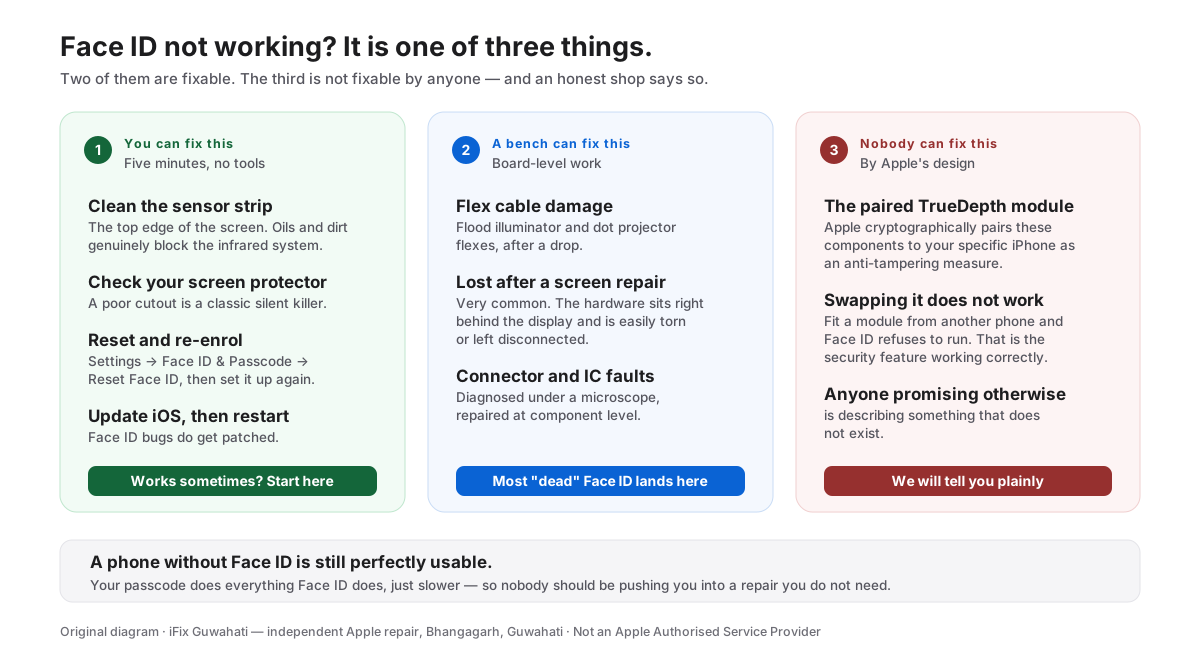
But if yours is also failing Face ID and then freezing and restarting, that is a separate, known software bug that Apple has acknowledged. Do not pay anyone to repair it: here is what is actually going on.
Past a week, still hot, still draining? Tell us your model and your Battery Health figure. If the answer is “wait a bit longer” or “nothing is wrong with your phone”, that is what we will tell you — we would rather not sell you a battery you do not need.
Talk to us → · Battery replacement in Guwahati → · +91 91271 99144