Charging complaints are among the most common walk-ins at our Bhangagarh workshop — and among the most misdiagnosed. Plenty of “broken ports” are five minutes of lint removal; plenty of “just needs cleaning” phones have a failing charging IC. Here’s how to narrow it down before you spend anything.
First, rule out the cheap stuff
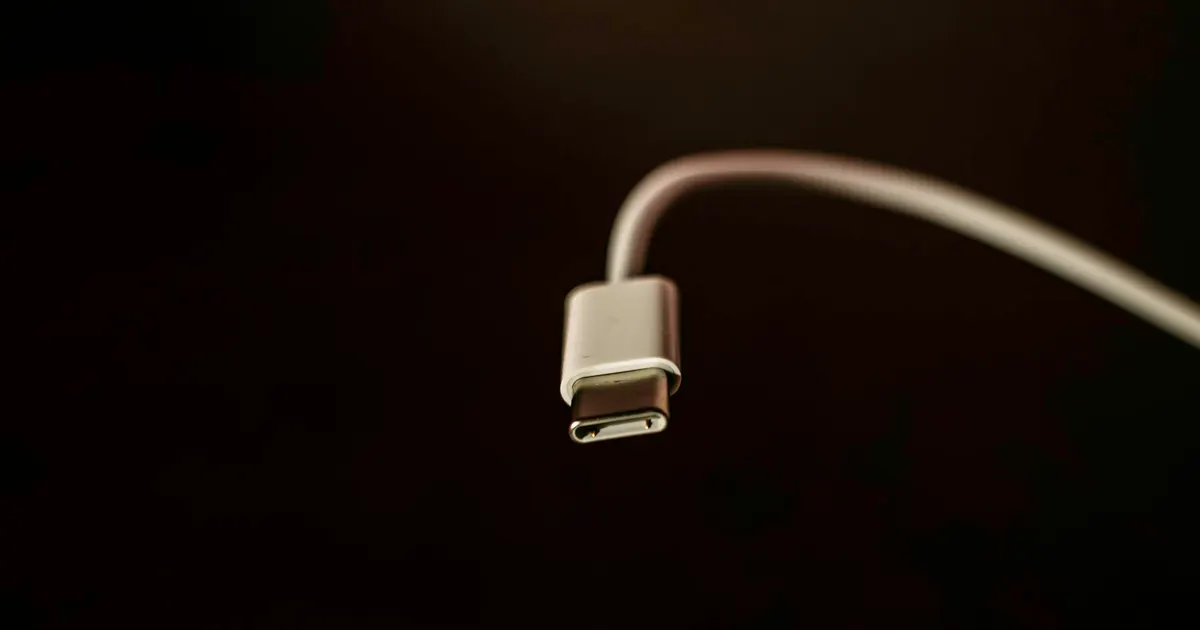
- Try a different cable and adapter — ideally ones you’ve seen work on another device the same day. Frayed cables and dead adapters cause a large share of “port” complaints.
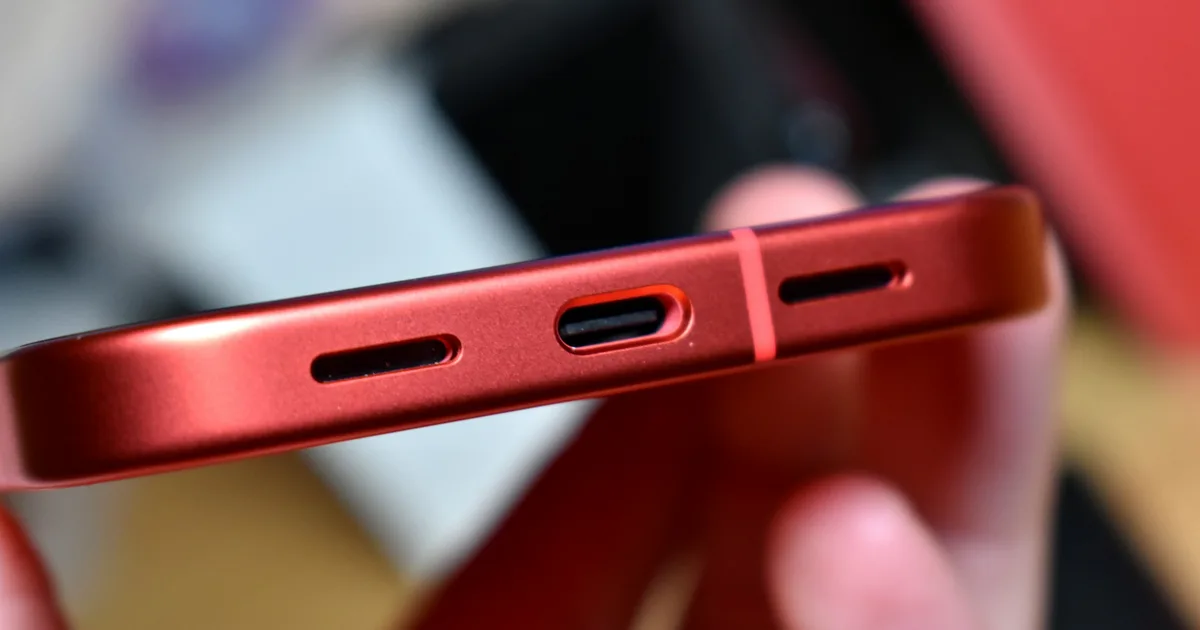
- Look inside the port with a light. Years of pocket lint compress into a felt pad at the bottom of the port, stopping the connector from seating fully. If your cable no longer clicks in, or needs an angle to work, this is the prime suspect.
- Restart the phone. Occasionally charge detection is a software hang — a restart costs nothing.
- Try wireless charging (if your model supports it). This one test splits the problem in half: wireless working + cable not working points at the port; nothing working points deeper.
Reading the symptoms
| Symptom | Most likely cause |
|---|---|
| Charges only at an angle / when held | Lint in port, or worn port contacts |
| Cable feels loose, falls out | Compressed lint or worn port |
| Intermittent — charges some days | Port flex cable failing, or early IC fault |
| “Accessory not supported” with good cables | Dirty/corroded port contacts, or port failure |
| Nothing, ever, wired or wireless | Charging IC / board fault, or dead battery |
| Stopped after the phone got wet | Corrosion — treat as liquid damage, promptly |
What each fix involves
- Professional port cleaning — minutes, and the cheapest possible outcome. We check this first at every charging diagnosis.
- Port (flex assembly) replacement — the port on most iPhones lives on a flex cable that also carries the primary microphone; we replace the assembly and test both.
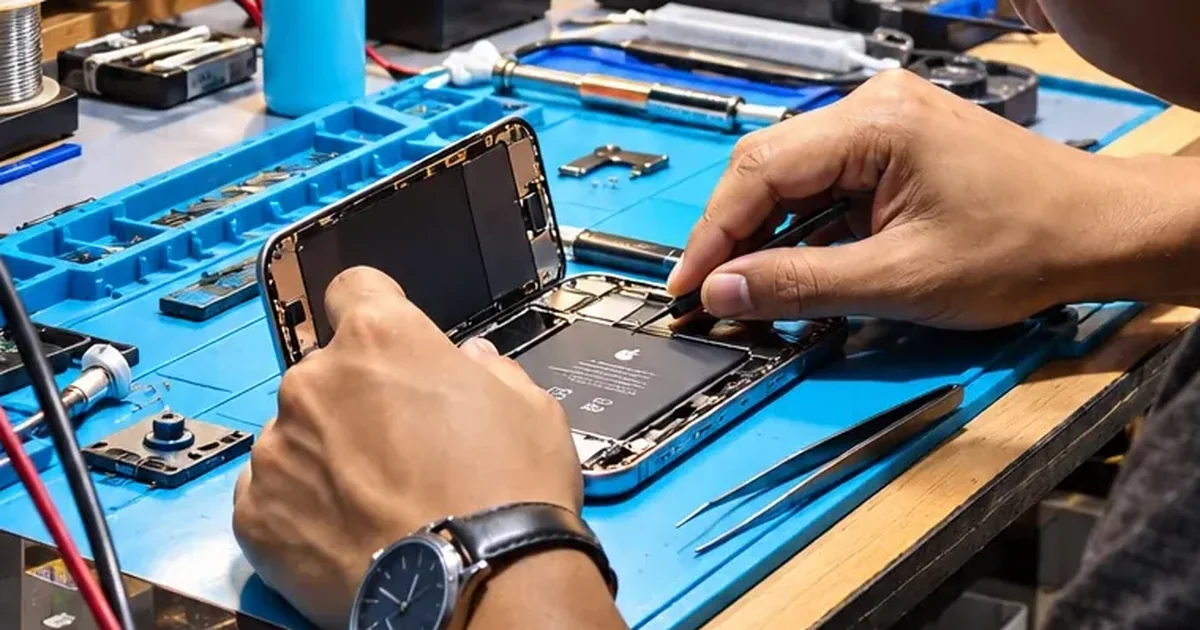
- Charging IC / board repair — when the port is fine but power never reaches the battery, the fault is on the logic board. This is microsoldering work our bench does routinely, and it’s far cheaper than the “buy a new phone” alternative.
Don’t wait on this one
A failing port invites bad workarounds — wiggling the cable, pressing it at an angle overnight — that stress the port’s board connection and can escalate the repair. If two cables and a careful look at the port haven’t fixed it, bring the phone to iFix Guwahati for a proper diagnosis. The diagnosis fee is waived if you go ahead with the repair.
About to buy a new iPhone over this? Charging faults are frequently just compacted lint. Check these six things first.