A completely unresponsive iPhone feels final — black screen, no vibration, nothing. But most “dead” iPhones that reach our Guwahati bench are very much rescuable, and a good number revive before they even need a repair. Work through these steps in order.
Step 1: Force restart (fixes more than you’d think)
A crashed iPhone can look identical to a dead one. Force restart is harmless and takes ten seconds:
- iPhone 8 and newer: press and release Volume Up, press and release Volume Down, then hold the Side button until the Apple logo appears (keep holding — up to 20 seconds).
- iPhone 7: hold Volume Down + Side button together until the logo.
If a logo appears, it was a software crash. Done.
Step 2: Rule out a flat battery — properly
A deeply discharged battery can take 15–30 minutes on a charger before showing any sign of life. People give up at two minutes.
- Plug into a known-good charger and cable (test them on another device).
- Use a wall adapter, not a laptop USB port.
- Wait 30 minutes. Then try the force restart again.
If you see the red battery icon, it’s charging — let it. If the phone only shows life while plugged in, the battery is likely finished (replacement guide).
Step 3: Look for the “alive but dark” signs
Before concluding the phone is dead, check whether it’s actually running with a dead screen:
- Does it ring when called? Does it vibrate on silent-switch toggle?
- Does your Mac/PC detect it when connected by cable?
- Any sounds — keyboard clicks, notifications?
Any yes means the phone works and the display has failed — a much smaller repair than it looks.
Step 4: Recovery mode (for boot loops and update failures)
If the phone shows a logo but never finishes booting, connect it to a computer with Finder/iTunes and enter recovery mode (same button sequence as force restart, but keep holding until the recovery screen). Choose Update first — it reinstalls iOS without erasing data. Only consider Restore (which erases) after everything else fails.
When it’s hardware — and what that means
No response after all four steps points at hardware: a dead battery, a failed charging path, or a logic board fault. None of these is necessarily fatal:
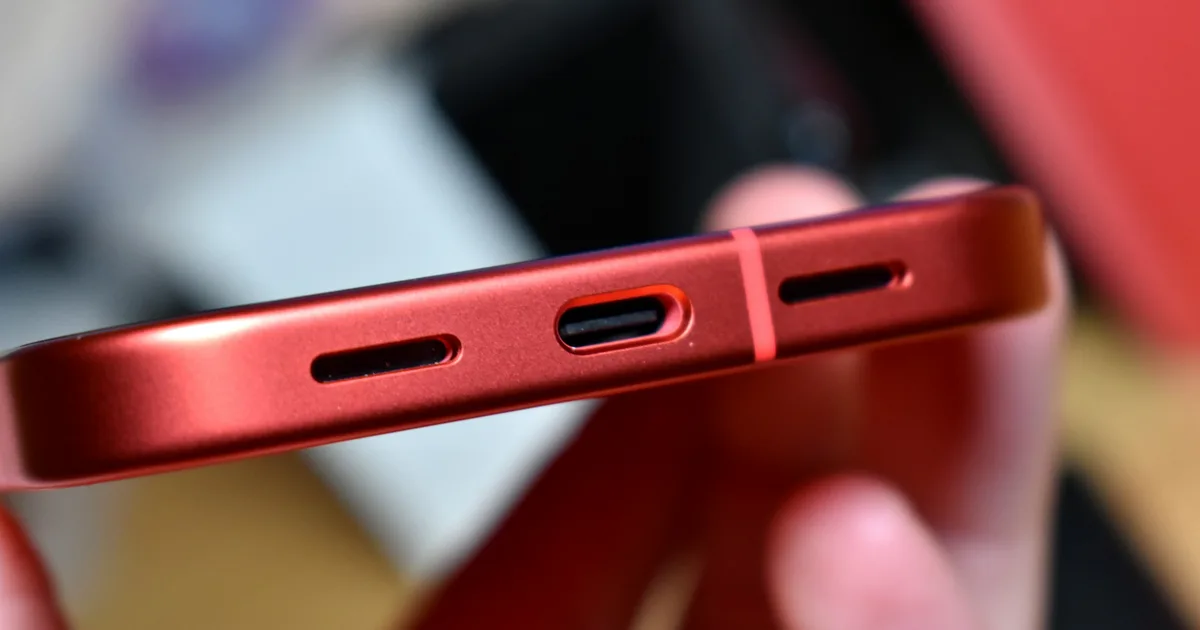
- Battery and charging port failures are routine same-day repairs.
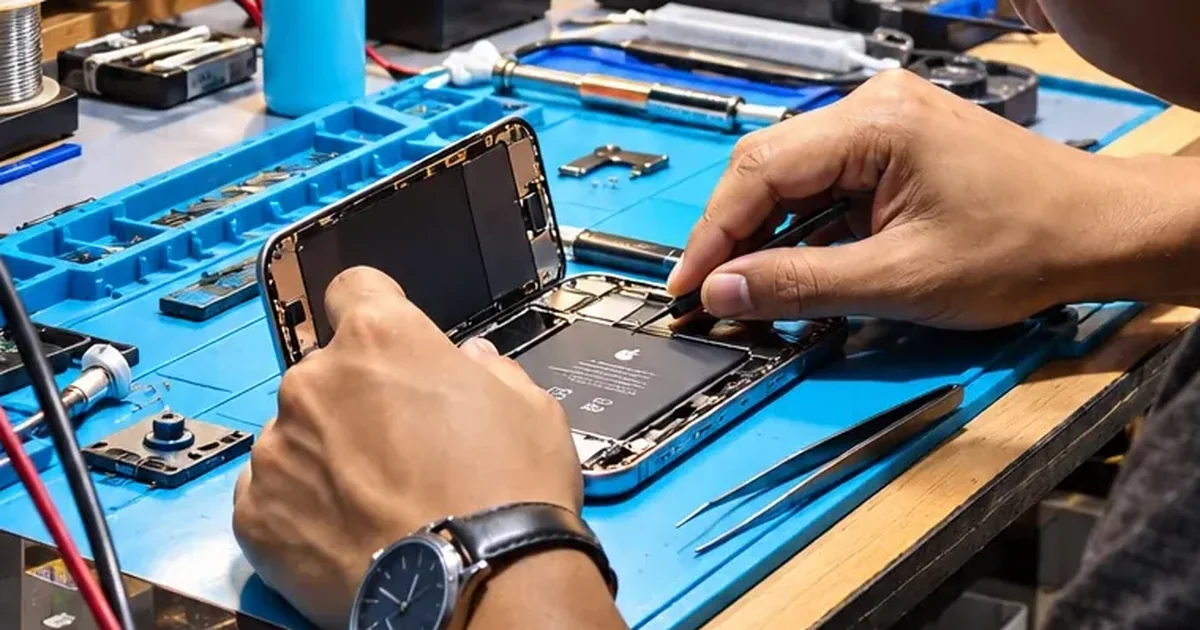
- Board faults — a failed power IC, a short from a drop or old liquid exposure — are component-level repairs our bench handles under the microscope.
- Your data is encrypted to the board, so don’t let anyone talk you into “replacing the motherboard” if your photos matter — reviving the original board is the only way to reach them.
Proper diagnosis at iFix Guwahati, Bhangagarh — walk in or call +91 91271 99144.