MacBook batteries age quietly — runtime shrinks month by month until one day the laptop is effectively a desktop. This guide covers how to read the real state of yours, the warning sign most owners miss, and what replacement involves at our Guwahati workshop.
Reading your battery’s actual condition
macOS keeps honest records. Two places to look:
- System Settings → Battery → Battery Health (or hold Option and click the battery menu icon). “Normal” is fine; “Service Recommended” means the battery has degraded materially.
- About This Mac → More Info → System Report → Power. Check Cycle Count against your model’s rating (about 1000 for modern MacBooks) and Full Charge Capacity against the design capacity.
A five-year-old MacBook at 900+ cycles holding 65% of design capacity isn’t broken — it’s simply done, exactly on schedule.
The warning sign everyone misses: the trackpad
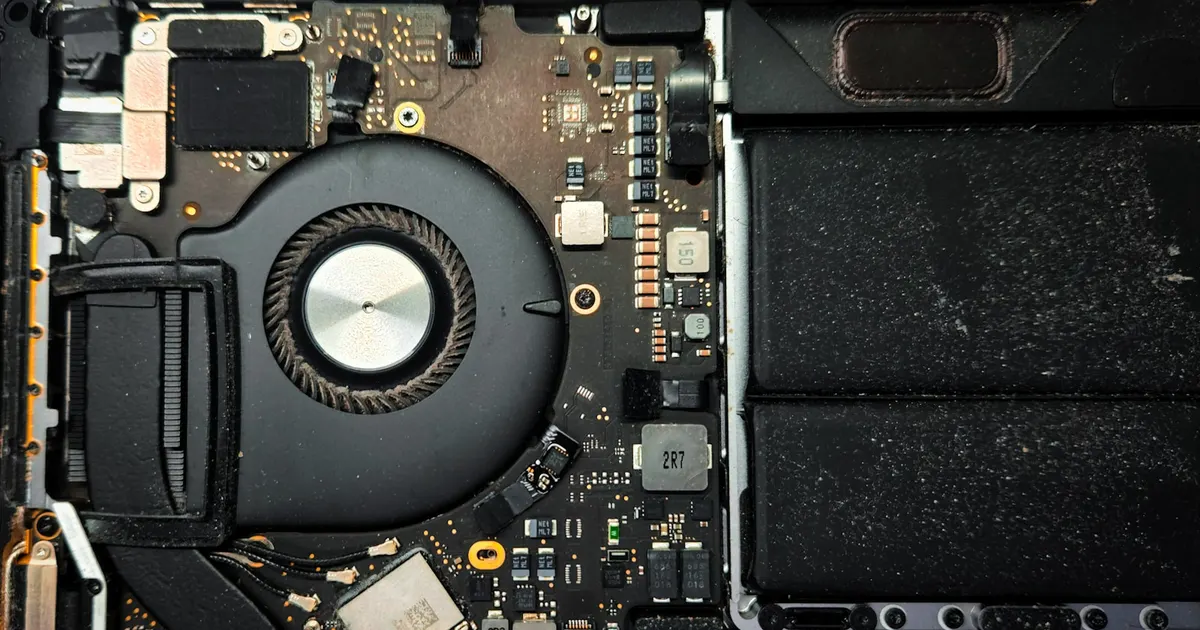
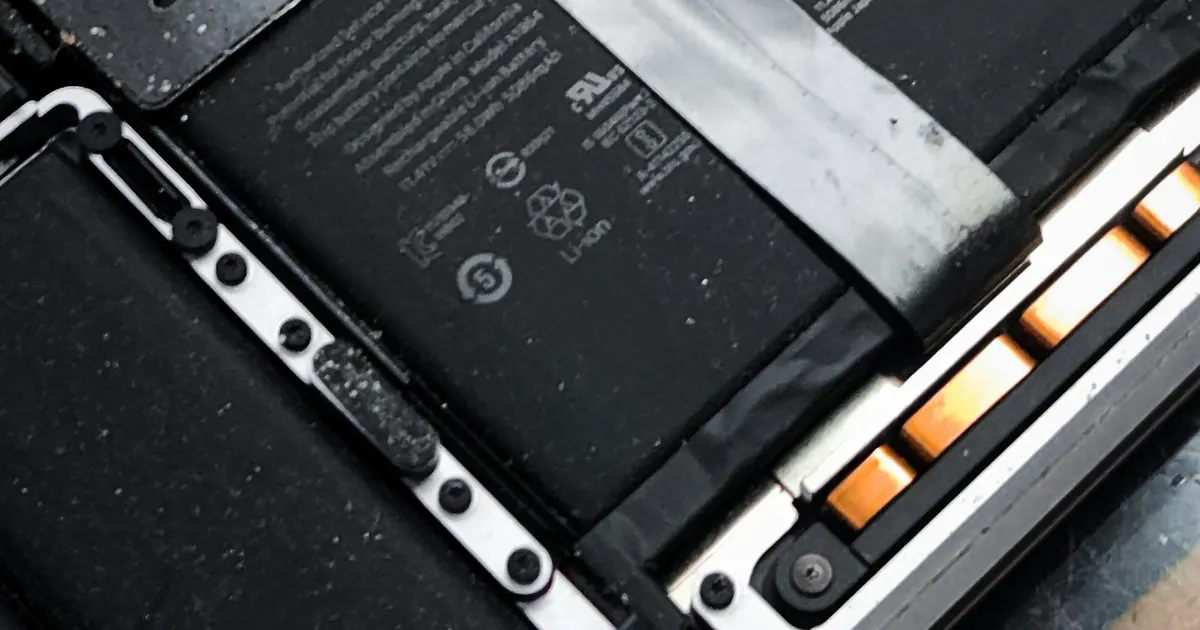
On most modern MacBooks the battery sits directly under the trackpad. When lithium cells age badly they swell — and the first symptom is usually mechanical, not electrical:
- The trackpad stops clicking properly or clicks on its own,
- The bottom case doesn’t sit flat on a table,
- A gap opens between the case halves.
If you see these, treat it as urgent. A swollen pack pressing against the trackpad and keyboard is a safety issue; stop charging the machine and have the pack removed. We handle swollen-battery MacBooks regularly at iFix Guwahati — the earlier they arrive, the simpler the job.
Other end-of-life symptoms
- Runtime collapsed (two hours from what used to be eight)
- Shuts down at 20–40% remaining
- Only runs when plugged in
- Fans and heat during light work (a struggling battery stresses power delivery)
What replacement involves
MacBook batteries are glued multi-cell packs; on some models they’re integrated with the top case. A proper replacement means controlled adhesive removal without puncturing cells, a quality replacement pack, and verification afterwards: cycle count reporting, charging behaviour, and runtime sanity checks. On integrated-top-case models we’ll explain the options and costs before you decide anything.
One more honest note: if your “battery problem” is actually the machine dying at random regardless of charge level, the fault may be on the logic board, not in the battery. That’s a different repair — and exactly why we diagnose before quoting rather than selling you a battery first.
Check takes minutes: bring your MacBook to Bhangagarh, or call +91 91271 99144.