A hot MacBook announces itself two ways: Intel-era machines roar their fans like jet engines, while fanless Airs silently slow to a crawl. Different noises, same set of causes — here’s how we work through them at the bench, and what you can check first.
Five-minute checks before any repair
- Activity Monitor (Cmd+Space, type “Activity Monitor” → CPU tab). One process at 100–400% — a hung browser tab, a stuck sync, a runaway update — is the most common “overheating” cause and costs nothing to fix. Quit it.
- Close the browser tab zoo. Fifty tabs is a workload, not a bookmark system.
- Check the surface. Duvets and laps block the vents (Intel/Pro) or the case cooling (Air). Hard flat surfaces only when working hard.
- Spotlight indexing after an update pins the CPU for hours — give a freshly updated Mac a day before judging.
- Ambient heat is real. A 35° Guwahati afternoon leaves less thermal headroom; some seasonal warmth is physics, not fault.
The physical causes we actually find
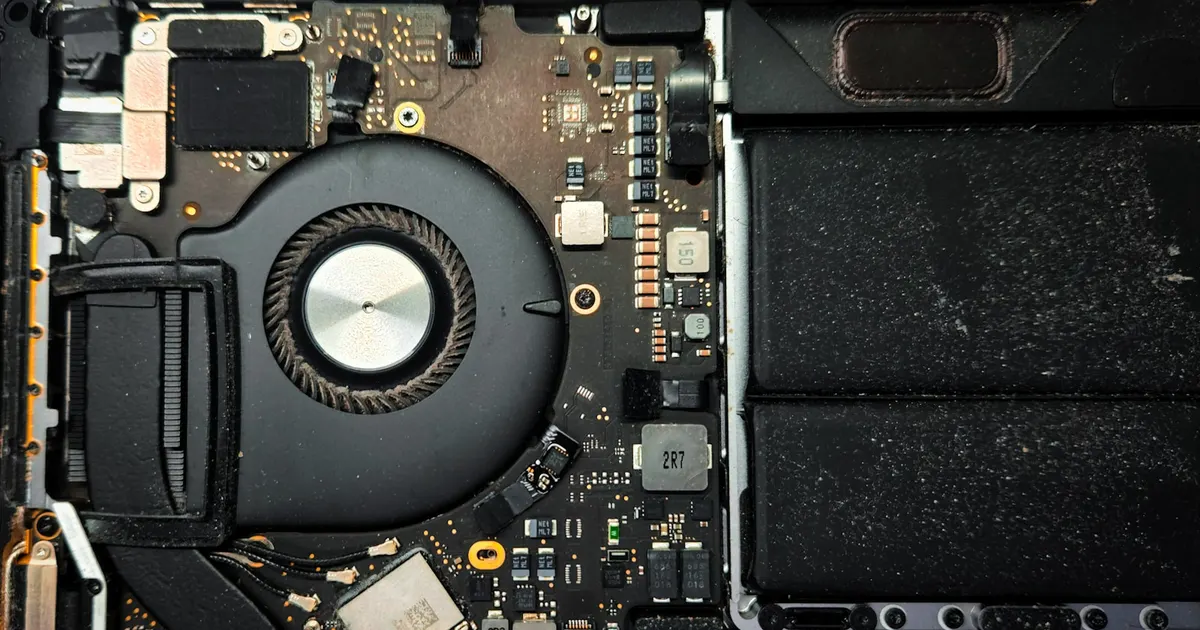
Dust. Fans and heatsink fins choke on it, and our air has plenty. A machine that’s gotten progressively louder and hotter over months is describing this. The fix is a proper internal clean.
Dried thermal paste. The compound conducting heat from chip to cooler dries and cracks with age. After 3–5 years, cooling quietly degrades — a thermal service (clean + repaste) routinely knocks temperatures down dramatically on older machines.
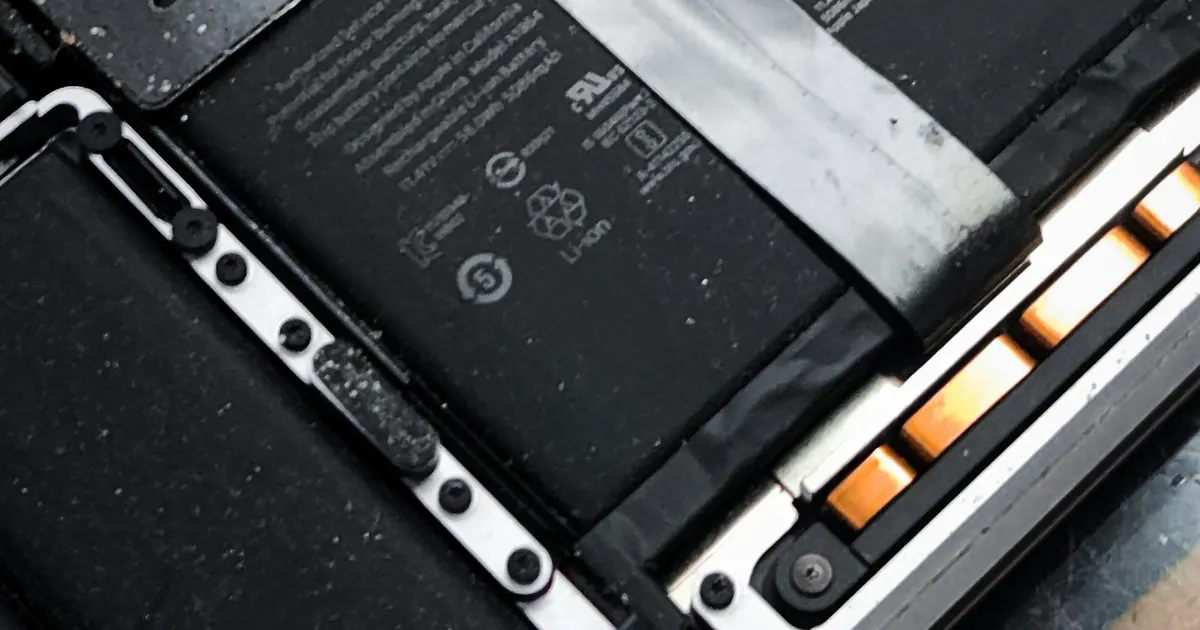
A struggling battery. Worn or swelling cells stress the power system and add heat. Hot + poor battery life + a trackpad that clicks oddly = check the battery first.
Board faults. Heat concentrated in one spot, shutdowns under light load, fans at full speed with a cool machine (sensor fault) — that’s logic-board territory, and worth catching early: chronic heat is how small board problems become big ones.
When to bring it in
Hot at idle, throttling that makes work painful, shutdowns, or a machine that’s simply become the loudest thing in the room. Diagnosis is done properly at our Bhangagarh workshop, and a thermal service is one of the best value-per-rupee repairs a MacBook can get. Pickup available · +91 91271 99144.