“It’s plugged in and nothing’s happening” covers half a dozen different faults — from a ₹0 fix (wrong port) to proper board surgery. Here’s the elimination path we’d walk you through on the phone.
The five-minute isolation test
- Different outlet. Yes, really — start there.
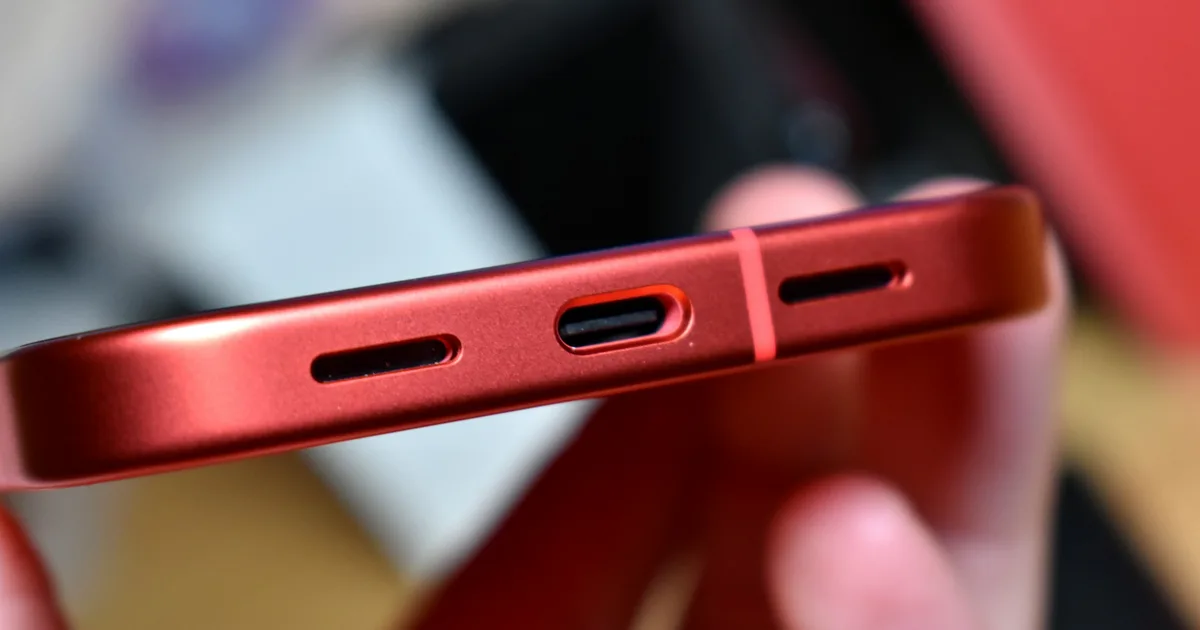
- Every port. Most MacBooks charge through any USB-C port. If one port works and another doesn’t, you’ve both found your workaround and diagnosed a port fault worth fixing.
- Different cable. USB-C cables die invisibly, and thin “data” cables can’t carry charging wattage.
- A known-good adapter with enough watts. A phone charger technically charges a MacBook — slower than the machine drains under use. If it only “charges” when asleep, your adapter is undersized.
- Look in the port with a light. Pocket debris and — worse — liquid residue block contacts. Don’t scrape it yourself; USB-C pins bend easily.
Then the software reset: hold the power button 10 seconds (Apple Silicon) and try again. A deeply drained Mac may also need 30 minutes on power before showing any life — don’t conclude anything at minute two.
Reading the pattern
| Behaviour | Points to |
|---|---|
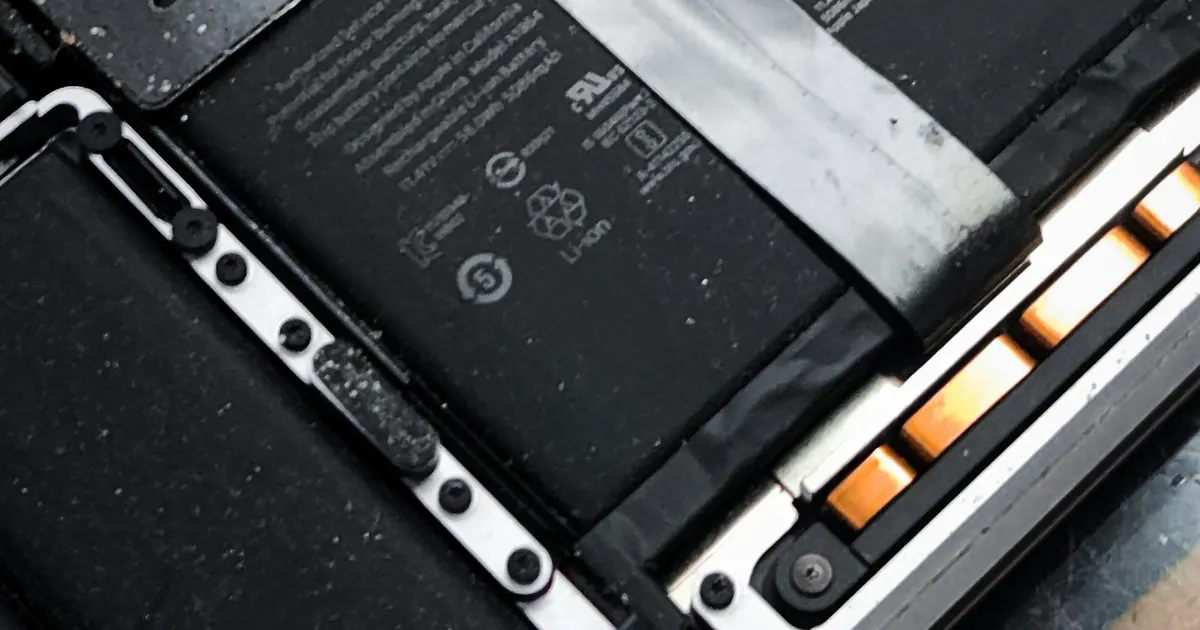
| Works plugged in, dies fast unplugged | Battery end-of-life |
| Charges only at an angle / one port | Port or port wiring |
| Charges sometimes, randomly | Failing port flex or early board fault |
| Percentage stuck, “Not Charging” status | Battery or charging circuit |
| Completely dead, known-good charger | Charging path on the logic board |
| Stopped after a spill (even weeks ago) | Corrosion — say so at diagnosis |
What the repairs look like
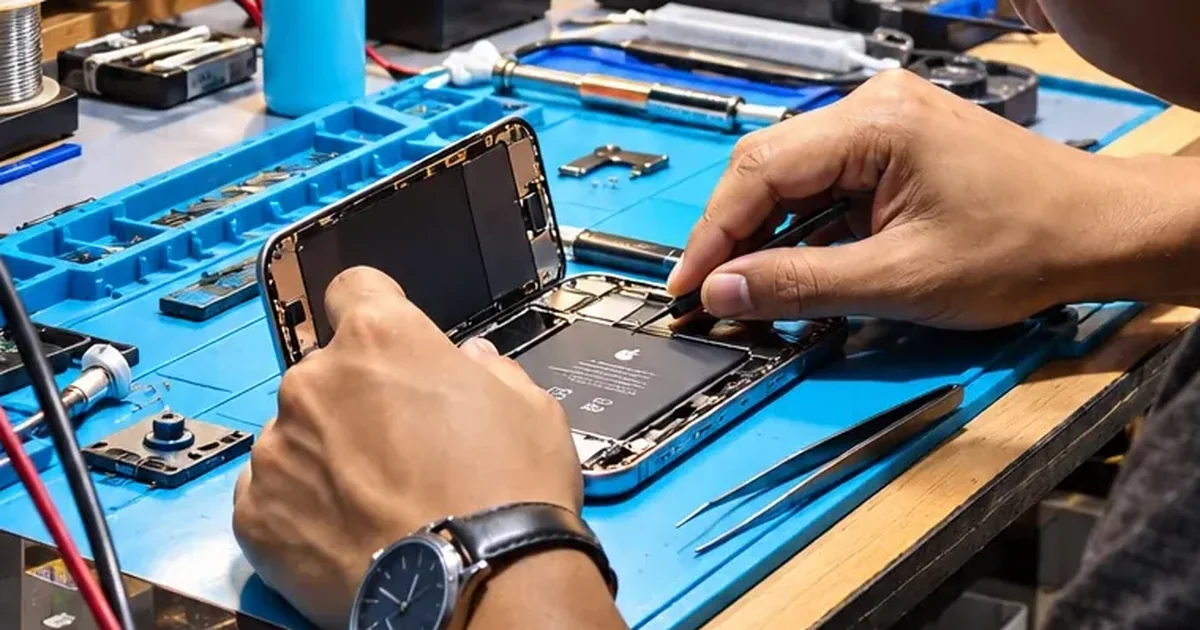
Port repairs replace the USB-C/MagSafe hardware — on some models a separate small board (friendlier price), on others board-level soldering. Battery replacement fixes the runs-only-plugged-in pattern. Charging-circuit repair is microsoldering work: tracing the failed component — commonly after liquid exposure or a surge — and replacing it, at a fraction of a board swap.
All three start the same way: proper diagnosis at our Bhangagarh bench, exact written quote before work. Pickup across Guwahati if carrying it in is a pain · +91 91271 99144.