Every week someone tells us the same story at our Guwahati workshop: “I spilled on it three weeks ago, but it was fine — and now it won’t turn on.” MacBook spills are unusual among hardware failures because the damage is silent, progressive, and almost entirely decided by what you do in the first hour. Here’s what actually helps.
The first five minutes
- Power off immediately. Hold the power button until the machine shuts down. Don’t save your document first — the document is replaceable.
- Unplug the charger and everything else. Power flowing through wet circuits is what burns components.
- Turn it upside down in a tent shape on a towel, so liquid drains away from the logic board rather than settling on it.
- Do not turn it back on to check. Every power-on with liquid inside is a round of Russian roulette with the board.
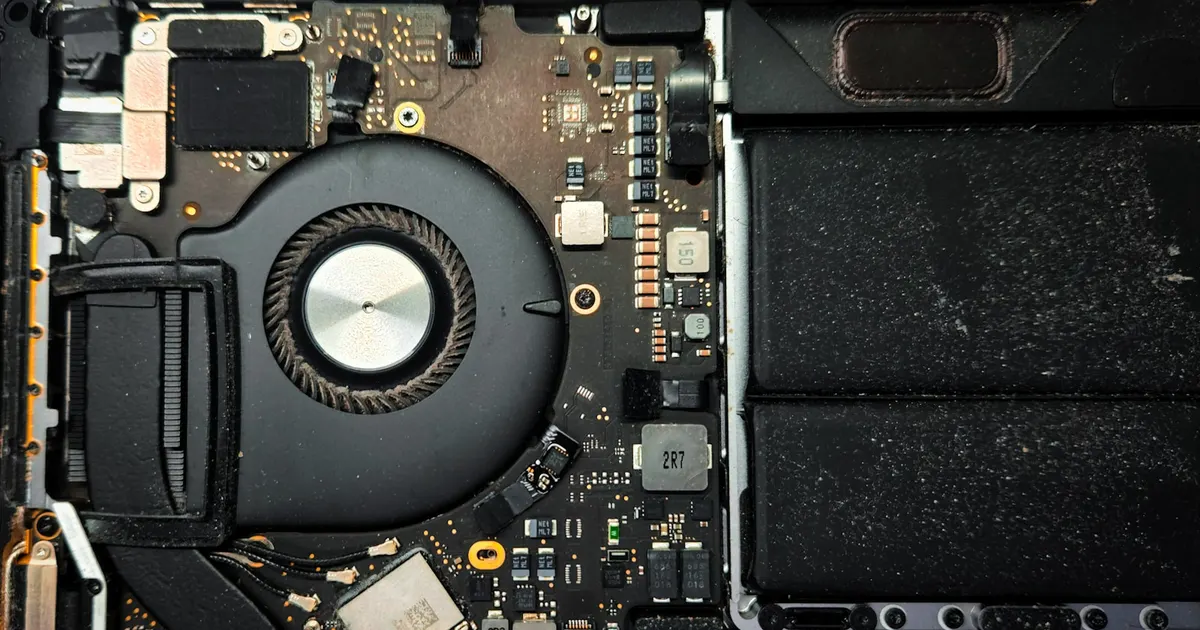
- Get it to a bench — that day if possible. The keyboard sits directly above the logic board on every modern MacBook; liquid that reached the keys has likely reached the board.
Why “it still works” means so little
Liquids don’t just short circuits — they leave conductive, corrosive residue that keeps working after the liquid dries. Sugary tea and coffee are the worst offenders. The typical timeline we see:
- Day 0: spill, panic, machine seems fine.
- Week 1–2: a key or two act up; USB port gets flaky; battery drains oddly.
- Week 3–8: the machine dies — and the board that would have been a cleaning job is now a rebuild.
The cheapest moment to treat a spill is before symptoms exist.
What professional treatment involves
At iFix Guwahati, a spilled MacBook is opened, the battery disconnected, and the logic board inspected under magnification. Treatment is decontamination: ultrasonic cleaning strips residue from under chips where no cloth can reach, corroded components are replaced, and damaged traces repaired. The keyboard — usually the first casualty — is assessed separately; sometimes it survives, sometimes it needs replacement.
Machines that arrive powered-off within a day or two have excellent odds. Machines that kept being used for weeks often need component-level board repair — still very fixable, just a bigger job.
The data question
On Apple Silicon and recent Intel MacBooks, storage is soldered to the logic board — if the board dies, your files are reachable only by reviving it. This is worth knowing before disaster: keep backups, and if a spill has already happened and the data matters, tell us at drop-off so we prioritise a bootable state for backup before deeper work.
Spill in progress? Power off, unplug, tent it, and call +91 91271 99144.