A MacBook that shows nothing when you press power has a dozen possible causes, from a drained battery to a failed board — and the free checks distinguish most of them. Run this sequence in order before deciding anything is dead.
Step 1: Charge properly for 30 minutes
Deeply drained MacBook batteries can take 10–30 minutes on power before responding at all.
- Use the original or a known-good charger; test the outlet.
- Check the cable ends and the port for debris or bent pins.
- On MagSafe models, look for the indicator light; no light with a good charger suggests a charging-path fault.
Step 2: Force a restart
- Apple Silicon (M1–M4): hold the power button a full 10 seconds, release, wait, press once normally.
- Intel with T2: hold power 10 seconds; also try Control-Option-Shift (right) + power held for 7 seconds (SMC reset).
These clear crashed power states that perfectly imitate a dead machine.
Step 3: Check whether it’s actually on with a dead screen
Before writing off the whole machine, look for signs of life:
- Fan noise or keyboard backlight?
- Torch test: shine a phone torch at the screen at an angle. A faint ghost of the desktop = backlight failure, not a dead Mac.
- Caps Lock light toggling?
- A chime or startup sound?
Any yes changes the diagnosis completely — you have a display repair, not a dead laptop.
Step 4: Read the symptom pattern
| What you observe | Likely direction |
|---|---|
| Nothing, ever, even after 30 min charging | Charging path or board fault |
| Turns on only while plugged in | Battery end-of-life |
| Fan spins, screen black, no torch ghost | Board/GPU fault |
| Torch ghost visible | Backlight failure |
| Starts, shuts off seconds later | Power/thermal fault, possible liquid history |
| Started failing after a spill (even weeks ago) | Corrosion — mention this at diagnosis |
When it’s board-level — and why that’s not the end
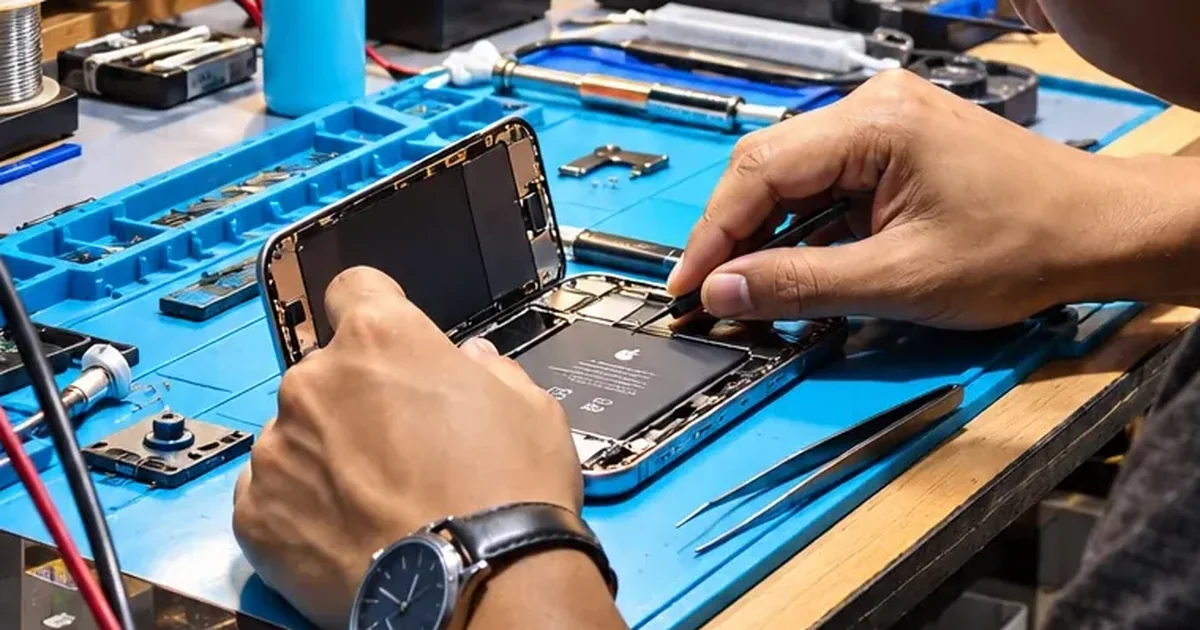
“Logic board fault” sounds terminal; it usually isn’t. Most no-power boards have one failed component — a power IC, a shorted capacitor, a corroded rail — and component-level repair fixes exactly that at a fraction of board-replacement cost. On soldered-SSD models it’s also the only route to your files, so if data matters, say so first.
Every dead MacBook at iFix Guwahati gets a free bench diagnosis and an honest verdict — including “not worth it” when that’s the truth. Bhangagarh, Shillong Road · +91 91271 99144.