Few faults make a laptop as unusable as a bad keyboard — the machine works perfectly and you still can’t stand using it. Here’s what actually goes wrong in MacBook keyboards, model by model, and which fixes last.
Know which keyboard you have
Butterfly mechanism (2015–2019). Apple’s ultra-thin design, used in the 12-inch MacBook, 2016–2019 MacBook Pro and 2018–2019 Air. It is genuinely failure-prone: the mechanism sits so tight that a grain of dust can jam a key — no spill required. Symptoms: repeating letters, keys needing hard presses, dead keys that come and go.
Scissor “Magic Keyboard” (late 2019 onward). The return to a conventional, taller mechanism. Far more reliable — failures here usually have an external cause, almost always liquid.
Symptom guide
- One or two keys sticky or crunchy: debris under the keycap. On scissor keyboards, a careful keycap-off cleaning often cures it. On butterfly models, the fix tends to be temporary — the design re-jams.
- Letterss repeatiing: classic butterfly fault, and a known one; on newer machines, check Settings → Keyboard for key-repeat settings first.
- A cluster of dead keys in one region: points to the keyboard’s flex circuit — commonly spill damage, even from “just a splash” weeks earlier.
- Whole keyboard dead, external keyboard works: the keyboard connector or its board path. Needs a bench look; sometimes a simple connector fix.
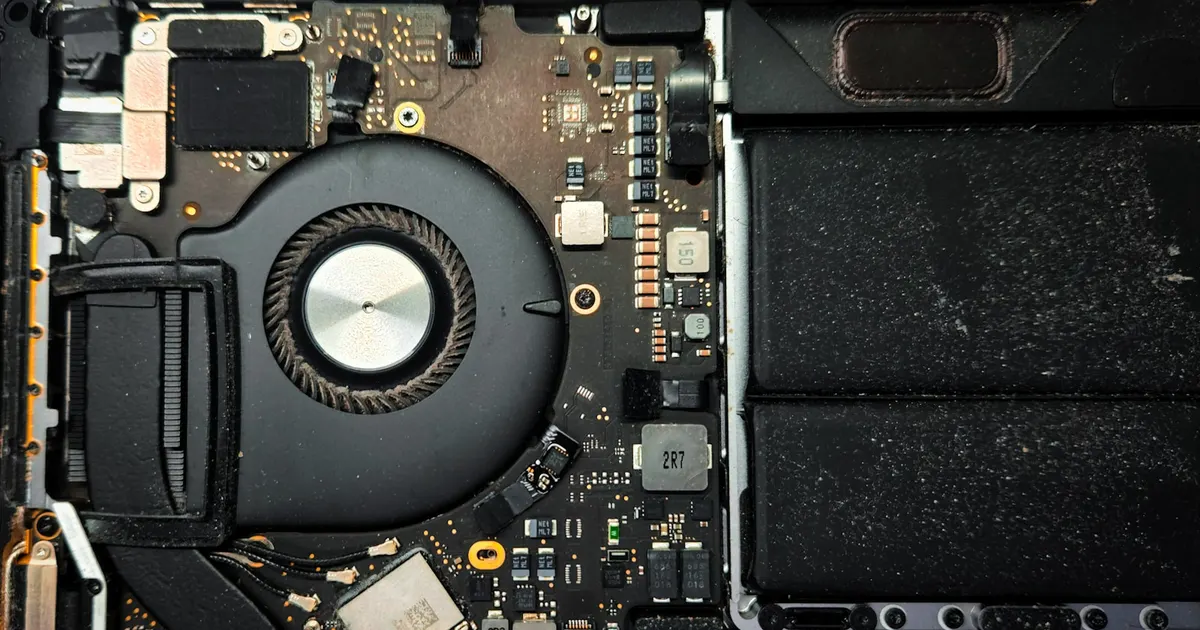
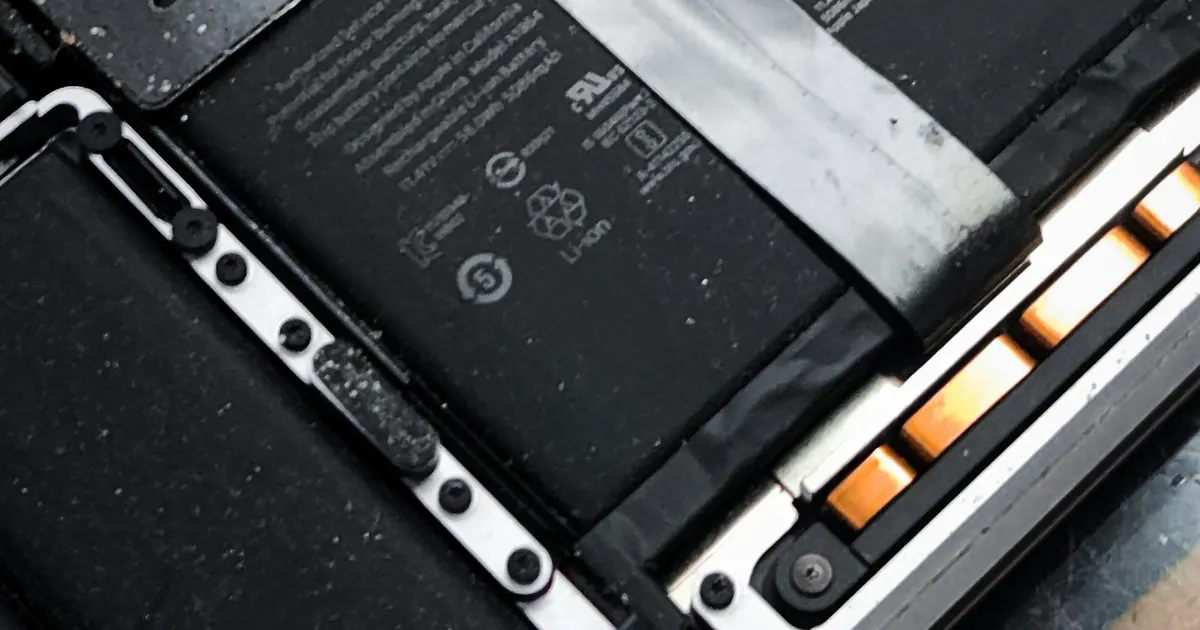
- Keys failing plus trackpad weirdness: check for a swelling battery underneath — see our battery guide.
The liquid asterisk
Keyboards are the entry point for every spill: liquid lands on keys, drains through them, and finds the logic board below. If your keyboard fault began after any liquid contact — even one you cleaned up instantly — say so at diagnosis. Fixing three dead keys while corrosion spreads on the board underneath is a repair that fails a month later, which helps nobody. Our spill treatment guide covers the full picture.
Which repair is right
At iFix Guwahati we match the fix to the actual fault rather than defaulting to the biggest job:
- Mechanism cleaning / single-key repair where it will genuinely last (mostly scissor keyboards).
- Full keyboard replacement for butterfly failures, multi-key faults and liquid-damaged keyboards — done properly at top-case level so it doesn’t come back.
- Board inspection included whenever liquid is in the story.
Every option is quoted after a proper diagnosis at our Bhangagarh workshop — walk in, or call +91 91271 99144.