iPhone Charging Port Repair · Bhangagarh, Guwahati
iPhone Not Charging? Start Here.
A loose cable, slow charging or a phone that only charges at certain angles usually points to the charging port — though sometimes the real culprit is lint, a worn cable or a board fault. We diagnose first, then fix exactly what’s wrong.
What This Repair Covers
- Professional cleaning of lint- and dust-blocked ports
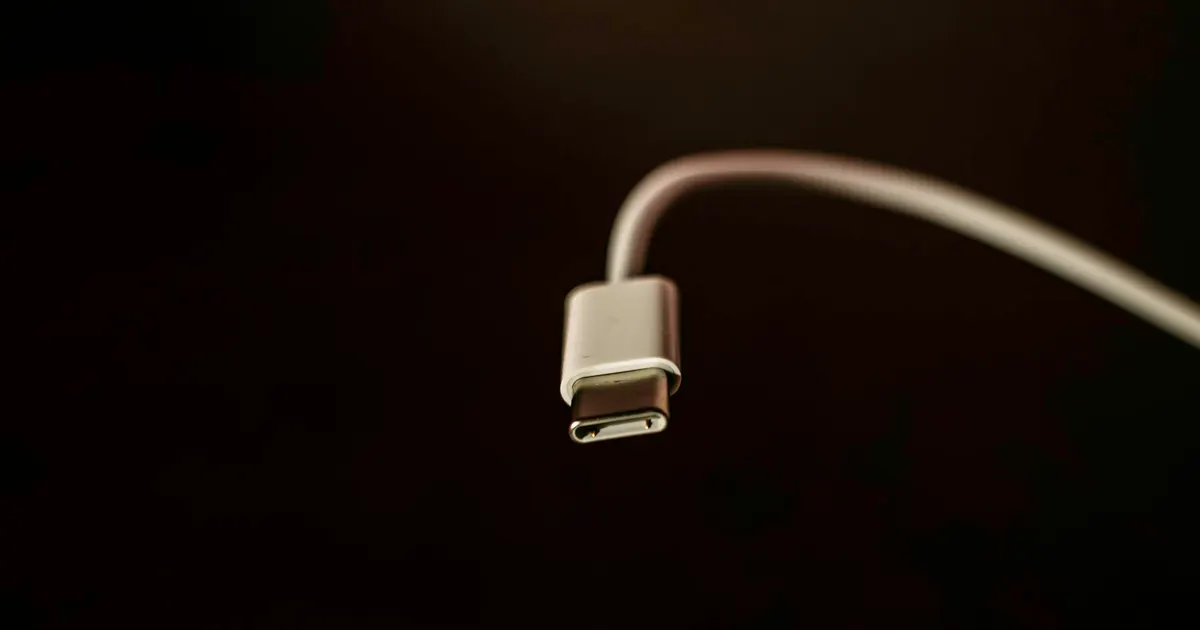
- Lightning and USB-C port (flex assembly) replacement
- Charging IC and power-circuit diagnosis when the port isn’t the cause
- Microphone and speaker check (they share the port flex on many models)
- Wired and wireless charging verification after repair
Signs You Need This Repair
- Cable must be held at an angle to charge
- Charging works intermittently or very slowly
- Port feels loose or the cable falls out
- "This accessory may not be supported" errors with good cables
- No charging response at all
What Could Be Wrong
- Debris in the port
- Pocket lint compacts into a solid pad at the bottom of the port, stopping the connector seating fully. Cleaning often solves it completely.
- A worn or damaged port
- Thousands of insertions, or one hard yank on the cable, can loosen or break the port contacts.
- Cable or adapter fault
- Frayed cables and failing adapters are common, and easy to rule out before opening the phone.
- Charging circuit fault
- A failure in the power-management or charging circuit on the board — often after a bad charger or liquid exposure — needs board-level repair.
- A battery at end of life
- A badly degraded battery may refuse to take charge properly even with a healthy port.
What We Check
Before any quote, and before anything is opened up:
- Inspect and safely clean the port before anything else
- Test with known-good cables and adapters
- Measure whether the phone is drawing charge current at all
- Check the charging circuit and power management on the board
- Assess battery health and charging behaviour together
How We Handle It
A surprising number of "broken charging port" iPhones just need a professional port cleaning — compressed lint at the bottom of the port stops the connector seating fully. We check this first, because it’s the cheapest possible fix and takes minutes.
When the port itself is worn or damaged, we replace the charging flex assembly, which on most iPhones also carries the primary microphone and other components — all of which we test after the swap. If the port and cable are fine but charging still fails, the fault is usually in the charging circuitry on the logic board (commonly the charging IC), which we repair at component level rather than telling you to replace the phone.
Your Repair Options
- Port cleaning
- Where debris is the cause, that is the whole repair. No parts, no drama.
- Charging port replacement
- The worn port assembly is replaced and charging tested with multiple cables and adapters.
- Board-level charging repair
- If the fault is in the charging circuit itself, that is microsoldering work rather than a parts swap.
Models We Work On
Lightning and USB-C iPhones — iPhone 7 to the iPhone 18 series.
Still using an older device? That's completely fine. We've been repairing Apple devices for 10+ years, so older models are part of what we see every day. Whether a specific repair is possible depends on the model, parts availability, the type of damage and the device's overall condition — tell us what you have and we'll give you a straight answer.
What Affects the Price
We don't publish fixed prices, because an honest quote depends on what we actually find. These are the things that move it:
- Whether it turns out to be cleaning, a port replacement or board-level work
- Your exact model and port type
- Whether liquid damage or corrosion is involved
- Whether the battery also needs replacing
Diagnosis carries a fee — waived when you go ahead with the repair. You get a clear quote before any work starts. Send us your device details or call +91 91271 99144 for a device-specific estimate.
What To Do — And What Not To
Do this
- Try a different cable and adapter before assuming the phone is at fault
- Look into the port with a torch — you may see compacted lint
- Back up while the phone still holds charge
- Mention any recent liquid exposure or use of an unbranded charger
Avoid this
- Do not dig in the port with a pin or paperclip — bent contacts turn a cleaning job into a repair
- Do not wiggle or prop the cable at an angle to force a connection
- Do not keep using a frayed cable
- Do not ignore a port that has become hot while charging
Every repair follows our four-step process — diagnose, explain, repair, test — with a clear quote before work begins and a warranty on eligible repairs. See how it works · Warranty details
FAQ
iPhone Charging Port Repair — Common Questions
Why does my iPhone charge only at a certain angle?
My iPhone doesn’t charge at all. Is it the port or something worse?
Need iPhone Charging Port Repair in Guwahati?
Talk to our technicians today — get a proper diagnosis and a clear quote before any work begins.
Walk-ins welcome at Bhangagarh, Guwahati · Pickup & drop available
Visit Us
Find iFix Guwahati in Bhangagarh
We're on Shillong Road (GS Road side), near Opal Infomatics — easy to reach from Ulubari, Dispur, Ganeshguri and anywhere in Guwahati.
iFix Guwahati
Ground Floor, Syed Market Complex,Shillong Road, near Opal Infomatics,
Bhangagarh, Guwahati, Assam 781005
Opening Hours
- Monday – Saturday10:00 AM – 7:00 PM
- SundayClosed
weather: Guwahati airport observation (NOAA) / MET Norway