Before you spend Pro money, spend five minutes. These are the checks we run when someone asks whether their phone is worth keeping — and you can do all of them yourself.
1. Battery Health — the big one
Settings → Battery → Battery Health & Charging.
Read the Maximum Capacity percentage.
| Reading | What it means |
|---|---|
| 90%+ | Healthy. Battery is not your problem. |
| 80–89% | Ageing. Noticeable but not urgent. |
| Below 80% | Genuinely degraded. This is your problem. |
This single number explains most “my phone is finished” complaints. A worn cell does two things: it runs out early, and it makes the whole phone feel slow, because iOS deliberately reduces peak performance when a battery cannot deliver current cleanly.
People replace phones over this constantly. It is a replaceable component, not an obsolete device. More on when a battery genuinely needs replacing.
2. Storage — the invisible one
Settings → General → iPhone Storage.
A nearly-full iPhone behaves like a broken one: apps close unexpectedly, photos fail to save, everything hesitates, updates refuse to install.
If you are above roughly 90% full, clear some space and use the phone for a few days before concluding anything. This costs nothing and fixes a surprising number of “my phone is dying” cases.
3. The charging port — look inside it
Shine a torch into the port. You are looking for a compacted grey pad of pocket lint at the bottom.
This is one of the most common causes of “it only charges at certain angles” or “it stopped charging”. The connector cannot seat fully because there is a wall of compressed fabric in the way.
Also test a different cable and a different adapter before blaming the phone — cables fail far more often than ports.
Do not dig in the port with a pin or paperclip. Bent contacts turn a cleaning job into a repair.
4. The display — beyond the obvious crack
Even without visible damage, check for:
- Ghost touch — the phone registering taps you did not make
- Dead zones — an area that does not respond
- Green or pink vertical lines — these get worse, never better
- Dark blotches or bleeding colour — panel damage, often from pressure
Any of these is a display assembly issue. Worth knowing about before you assume the phone is finished — and worth knowing before you trade it in, because buyers notice.
5. The cameras — all of them
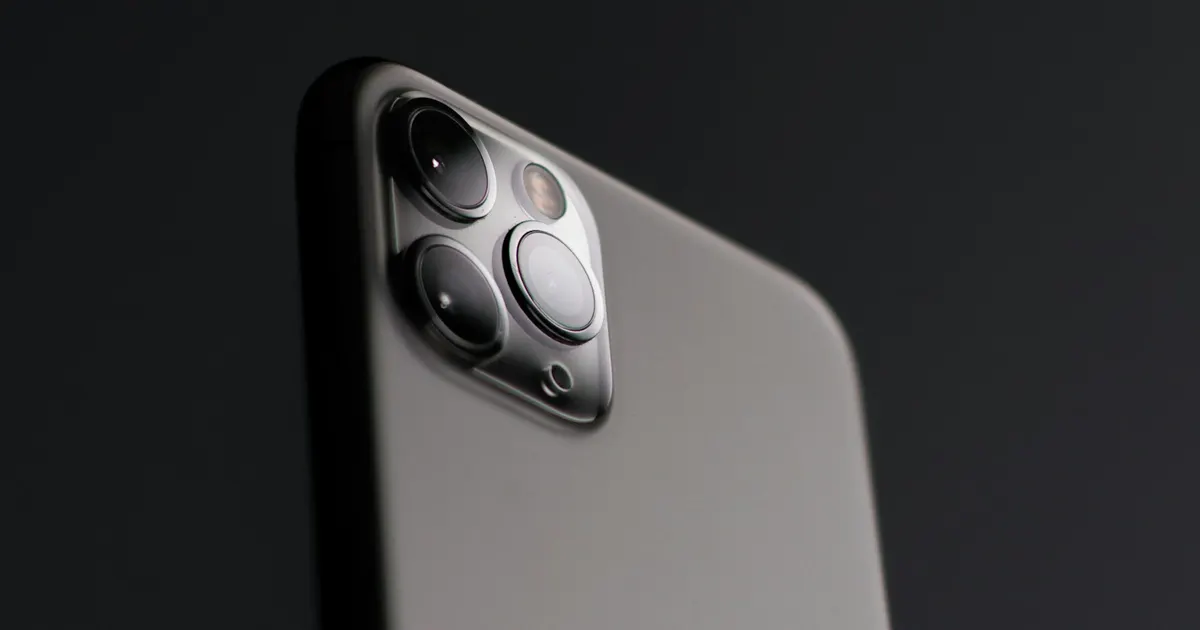
Open the Camera app and cycle through every lens: main, ultra wide, telephoto if you have it, and the front camera.
Look for softness that will not focus, visible shake in the preview, or a lens that produces obviously worse results than the others. A single failed camera module is repairable and does not require a new phone.
While you are there: clean the lens glass. A smudge accounts for more “my camera has gone bad” reports than any hardware fault.
6. Has it ever been wet?
Rain, a spill, a humid monsoon week, a bathroom shelf — be honest with yourself here.
Liquid damage does not always announce itself. Corrosion spreads slowly and shows up months later as a charging fault, an intermittent camera or a phone that occasionally will not wake.
If your phone has any history of moisture, mention it to whoever assesses it. It changes both the diagnosis and the realistic outlook. What we look for in a liquid-damage assessment.
Reading your results
Everything checks out? Then your phone is healthy, and buying a new one is a want rather than a need. Nothing wrong with that — just make the decision knowingly.
One thing failed? That is a repair, not a replacement. Almost always the cheaper path. How to weigh it up.
Two or three things failed? Now the maths gets genuinely close, and replacement may well win. At least you are deciding on evidence.
Not sure what you are looking at? That is what a diagnosis is for.
One last practical note
Even if you have already decided to upgrade, these checks pay for themselves. A phone that works sells for meaningfully more than one with an unexplained fault — buyers discount unknowns heavily. Sometimes a small repair returns more than it costs when you sell.
Ran the checks and found something? Send us the model and what you found. We will tell you whether it is worth fixing — including when it is not. iPhone repair in Guwahati → · Talk to us →