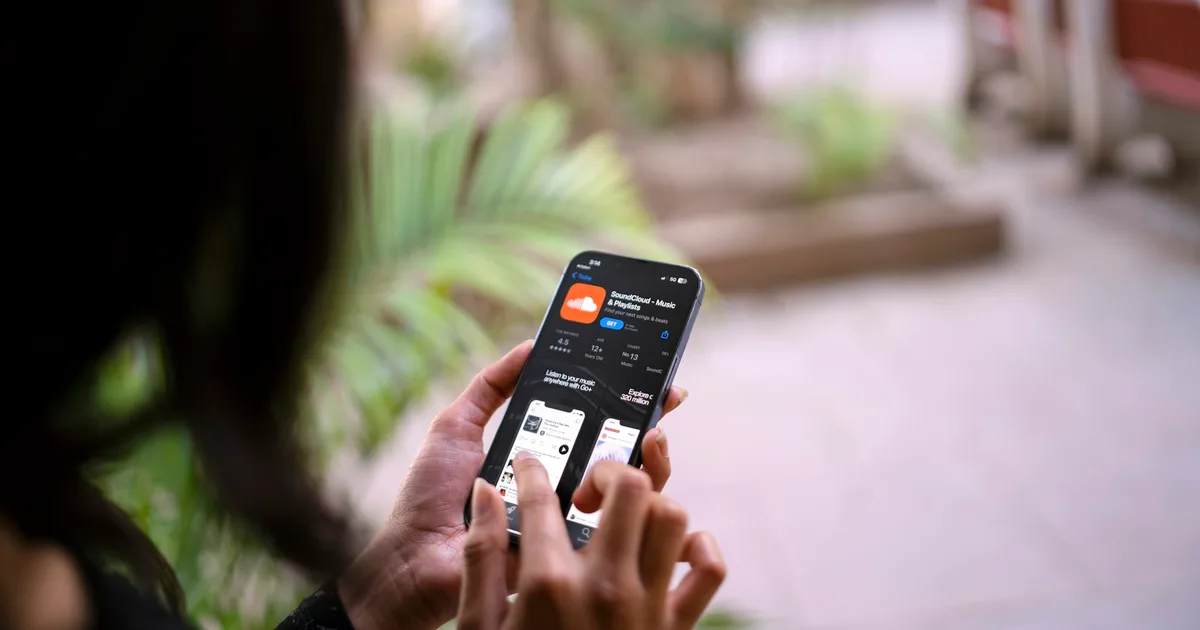
Storage is the single most common complaint we hear about iPhones that are otherwise working perfectly. And almost every time, the culprit is the same thing.
Not apps. Photos and videos.
Nobody has 5TB of apps. People have five years of photographs, a few hundred videos of children and weddings and Bihu, and a WhatsApp folder nobody has ever opened. That is what fills a phone.
Which means the solution is not a bigger phone. It is putting the photos and videos somewhere else.
The number worth seeing first
Here is what Apple charges in India for storage inside an iPhone 18 Pro:
| Storage | iPhone 18 Pro | iPhone 18 Pro Max |
|---|---|---|
| 256 GB | ₹1,64,900 | ₹1,79,900 |
| 512 GB | ₹1,89,900 | ₹2,04,900 |
| 1 TB | ₹2,39,900 | ₹2,54,900 |
| 2 TB | ₹3,14,900 | ₹3,29,900 |
Apple India prices, verified 24 September 2026.
Going from 256GB to 2TB costs ₹1,50,000.
Now hold that number against what follows.
Check your mobile plan before you pay anyone
This is the part most people in Assam do not realise they already have.
Jio’s current offer gives users on an Unlimited 5G plan of ₹349 or above — which includes the very common ₹399 recharge — a free Google AI Pro subscription for 18 months. Jio states the value at ₹35,100.
The part that matters here:
5TB of total storage shared across Google Photos, Google Drive and Gmail.
The conditions, stated plainly:
- You must be 18 or over
- You need an active qualifying plan for the whole 18 months
- One claim per mobile number
- Claimed through the MyJio app
Verified against Jio’s own offer page on 24 September 2026. Offers change — check the current terms before you rely on this.
Airtel has run a comparable but smaller arrangement — 100GB of Google One free for six months on postpaid and Wi-Fi connections, then chargeable. Check the Airtel Thanks app for what applies to your connection now.
So before you spend anything: open your operator’s app and look. A great many people in Guwahati are paying for iCloud storage while sitting on a plan that already includes far more.
What Apple charges, for comparison
| iCloud+ tier | India price per month |
|---|---|
| 50 GB | ₹75 |
| 200 GB | ₹219 |
| 2 TB | ₹749 |
| 6 TB | ₹2,999 |
| 12 TB | ₹5,900 |
Apple India prices, verified 24 September 2026.
So the comparison for most people is ₹749 a month for 2TB, against 5TB already included in a recharge they are paying anyway.
The trap: these two things are not the same
This is the part almost every article about this gets wrong, and it is the part that costs people their data.
Google Photos is not a backup of your iPhone.
| Google Photos | iCloud Backup | |
|---|---|---|
| Photos and videos | ✅ | ✅ |
| Apps and app data | ❌ | ✅ |
| Messages and WhatsApp history | ❌ | ✅ |
| Settings, Wi-Fi passwords, layout | ❌ | ✅ |
| Health data | ❌ | ✅ |
| Restores a new phone to look like your old one | ❌ | ✅ |
If you move everything to Google, cancel iCloud entirely, and then lose your phone — you keep every photograph, and you rebuild everything else by hand. Every app, every login, every conversation.
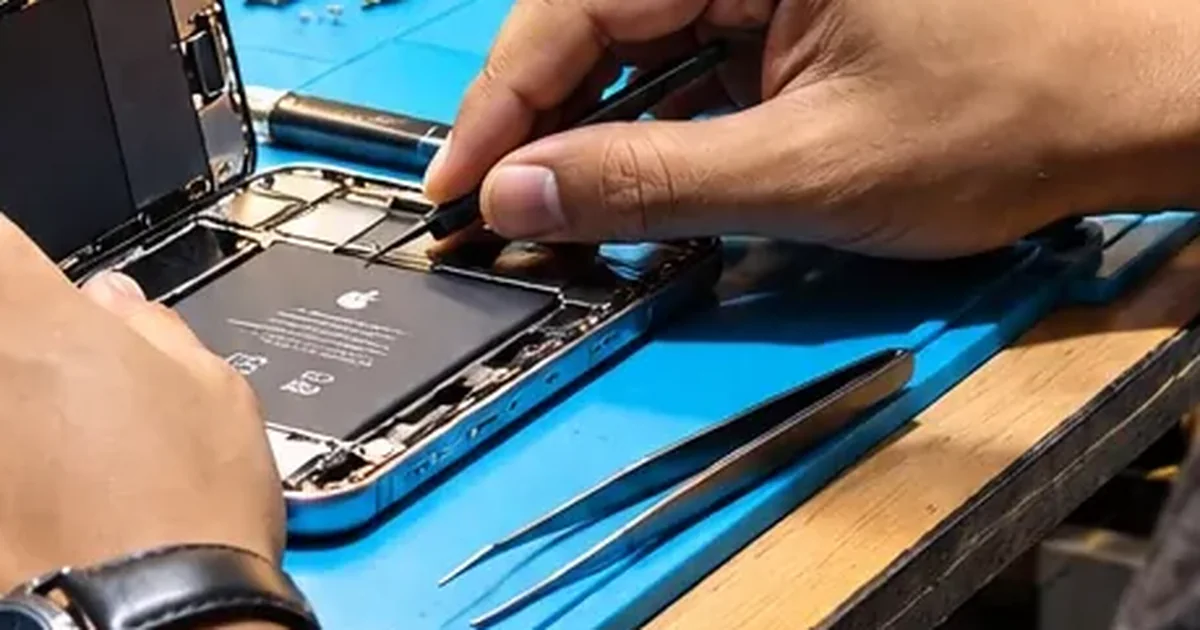
We see the consequences of this on the bench regularly. A device comes in dead, and the question is always the same: what is backed up? The answer is far too often “my photos are safe” and nothing else.
What we would actually recommend
The sensible setup for most people in India is both, split by job:
Photos and videos → Google (free with your plan, 5TB, huge)
Install Google Photos, sign in, turn on backup, leave it running on Wi-Fi overnight. A large library takes days to upload the first time. That is normal.
Device backup → iCloud (small paid tier, often ₹75)
Settings → your name → iCloud → iCloud Backup → on. Once the photo library is out of iCloud, the backup itself is usually small.
Total cost for most people: ₹75 a month, or nothing. Against ₹1,50,000 for the same storage inside a phone.
Then free up the phone itself
Once the photos are safely uploaded and you have verified they are there — open Google Photos and actually look, do not assume — you can delete them from the phone.
Two things people miss at this stage:
- Recently Deleted holds them for 30 days. Your storage will not drop until you empty it, or until the 30 days pass. Photos → Albums → Recently Deleted. The full order of attack is here.
- WhatsApp is usually the second-biggest consumer. Settings → Storage and Data → Manage Storage inside WhatsApp shows which chats are hoarding forwarded videos — walkthrough here.
Before you commit: think about month 19
Eighteen months is a long time, not forever. If the offer ends and your storage is above Google’s free 15GB, the account goes read-only — you can still see and download everything, but you cannot upload anything new, and Gmail may stop accepting mail.
Nothing vanishes. But you do have to make a decision, and the worst time to discover that is when it happens.
So, at month 17: either continue on a qualifying plan, pay Google directly, or move the library. Put a reminder in your calendar the day you claim the offer. That one reminder is the most useful thing in this article.
What about a hard disk or SSD?
As an additional copy, a drive is excellent and we recommend it for anyone with an irreplaceable library.
As your only copy, it is a bad idea, and here it is a worse idea than in most places. Drives fail. Drives get stolen. Drives in a Guwahati cupboard through five months of monsoon humidity do not enjoy the experience. And a drive at home does nothing for you if your phone is lost while travelling.
The rule professionals use: two copies, one of them somewhere else. Cloud plus a drive satisfies that. A drive alone does not.
So which iPhone should you buy?
If you are choosing right now, this is the practical answer:
Buy the storage you need for apps, recent photos and offline media — then stop. For most people that is the base 256GB. Put your photo library in the cloud, where it costs a fraction of what Apple charges to keep it in your pocket.
The ₹1,50,000 difference between 256GB and 2TB buys a great deal more than storage. It buys a MacBook.
If you are still choosing, we keep every iPhone on sale in India with its price, colours and storage options on one page — including which one we would actually tell a friend to buy.
A note on why a repair shop is telling you this. Because the most common thing we see on this bench is someone who lost photographs that were never backed up anywhere. A device can be repaired or replaced. A photograph that existed in exactly one place, on a phone that is now dead, cannot.
Back it up today, while the phone is working. That is the whole message.
If your iPhone is already misbehaving and you are worried about getting the data off it, talk to us before you try anything drastic — and see what to do when an iPhone will not turn on.
Contact us → · Phone: +91 91271 99144