People ask this expecting a number. The honest answer is that an iPhone’s life is limited by four specific things, and only one of them is genuinely out of your control.
What actually ends an iPhone’s life
1. Software support — the real deadline
This is the only hard limit. When Apple stops issuing iOS updates for a model, it stops receiving security fixes. The phone keeps working, but it becomes progressively less safe for banking, email and anything that matters.
Apple supports iPhones for many years — considerably longer than most of the industry. But when support ends, that is a genuine reason to move on, and it is the one reason no repair can address.
2. Battery wear — not a life limit, a consumable
Lithium-ion cells lose capacity with every charge cycle. That is chemistry, not a defect.
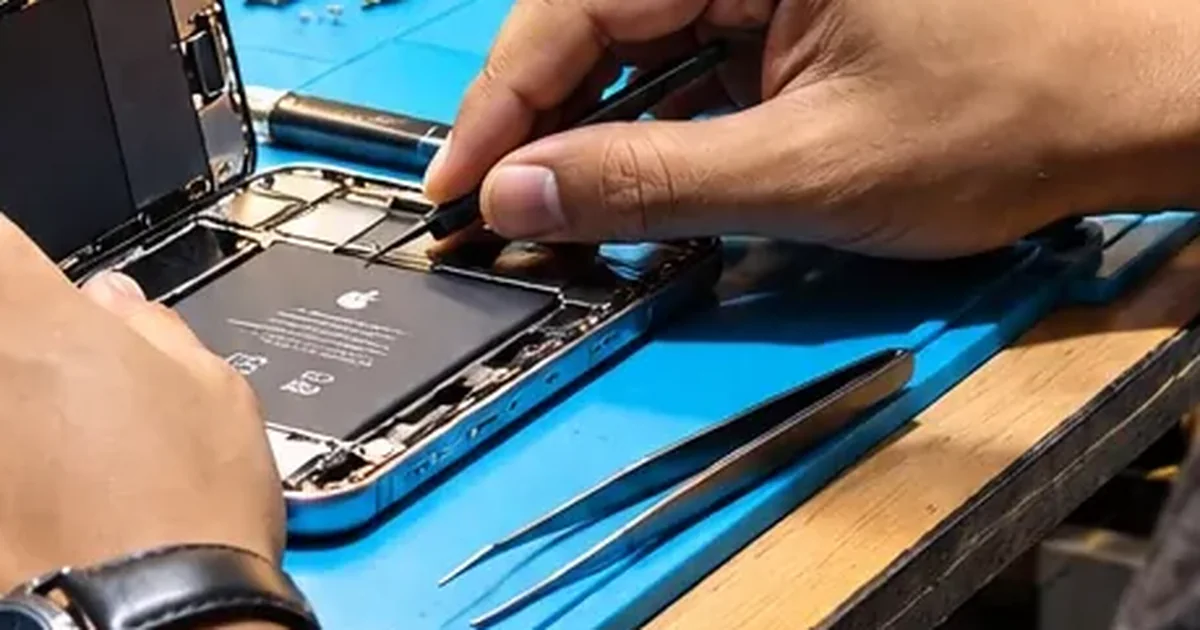
The mistake is treating this as the phone reaching the end of its life. It is a replaceable part. A battery at 75% capacity in a phone that is otherwise fine means you need a new battery, not a new phone.
This is easily the most common reason we see healthy iPhones retired early.
3. Liquid damage — the genuine killer
This is the one that actually shortens lives, and it does so quietly.
Corrosion from a spill or a soaking does not stop when the phone dries. It keeps spreading across the board, and it surfaces months later as an intermittent charging fault, a camera that stops working, or a phone that occasionally will not wake.
A phone that has been wet and was never properly cleaned and assessed is on a shorter clock than its owner realises.
4. Accumulated damage
Not one drop — several. A cracked screen left for a year lets in dust and moisture. A bent frame stresses the display and the board. A back panel crack exposes the internals.
Individually, each is repairable. Together, they compound.
What does not end an iPhone’s life
Feeling slow. Almost always a worn battery causing iOS to reduce peak performance, or storage that is nearly full. Both are fixable. A phone that “got slow” usually did not.
Being several models old. Age alone tells you very little. A well-kept older iPhone in good condition outlives a two-year-old phone that has been dropped repeatedly and swum once.
A new model launching. Worth stating plainly, because launch season is when this question spikes. Your phone did not change.
How to get more years out of the one you have
Watch the heat. Heat is the single biggest accelerant of battery ageing. Guwahati summers are hard on phones. Avoid leaving a phone on a dashboard, gaming while charging, or charging under a pillow.
Keep 10–15% of storage free. A full phone behaves like a failing one.
Fix cracks promptly. A crack is an entry point for dust and moisture. The cheap repair now prevents the expensive one later.
Use decent chargers. Poor-quality adapters deliver unstable power that stresses the battery and the charging circuitry. Bad chargers cause repairs that cost more than good chargers.
Take water seriously and immediately. If a phone gets wet: power it off, leave it off, and get it looked at the same day. Do not charge it. Do not put it in rice — it does nothing and wastes the hours that matter.
Replace the battery once. Somewhere around the two-to-three year mark, a battery replacement is often the single highest-value thing you can do for an ageing phone.
The honest summary from the bench
Most iPhones we see are retired while still repairable. The usual sequence is: battery wears down → phone feels slow and dies early → owner concludes the phone is finished → owner buys a new one.
The step that gets skipped is finding out what is actually wrong.
Sometimes the answer genuinely is “this one is done” — a badly corroded board, several simultaneous faults, or a model past software support. We say so when that is the case. But it is not the most common outcome, and it is not usually what people assume.
Wondering how much life is left in yours? A proper diagnosis tells you what is worn, what is broken and what is fine — before you decide anything. iPhone repair in Guwahati → · Repair or upgrade? →
Thinking of buying an older iPhone rather than keeping one? The same logic applies, plus a few checks that only matter second-hand — 12 things to check before you pay.