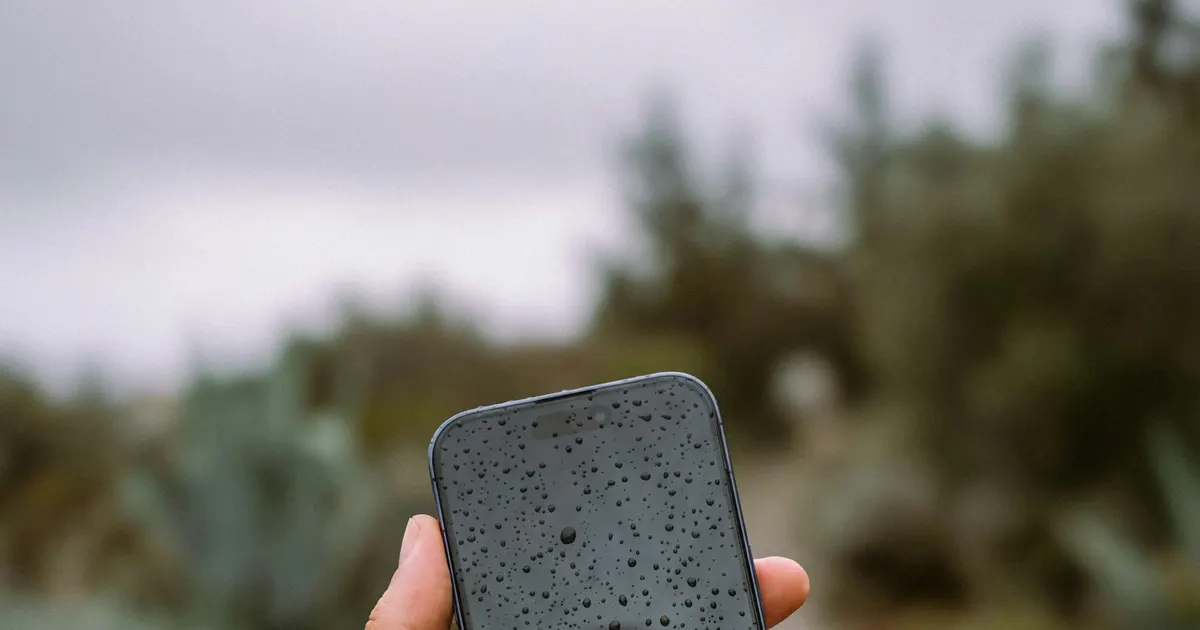
Every monsoon our Bhangagarh workshop fills with wet iPhones — puddles, drains, washing machines, and a surprising number of tea glasses. The difference between the phones we save and the ones we can’t usually comes down to what happened in the first minutes. Here’s the checklist, from the people who open these phones every day.
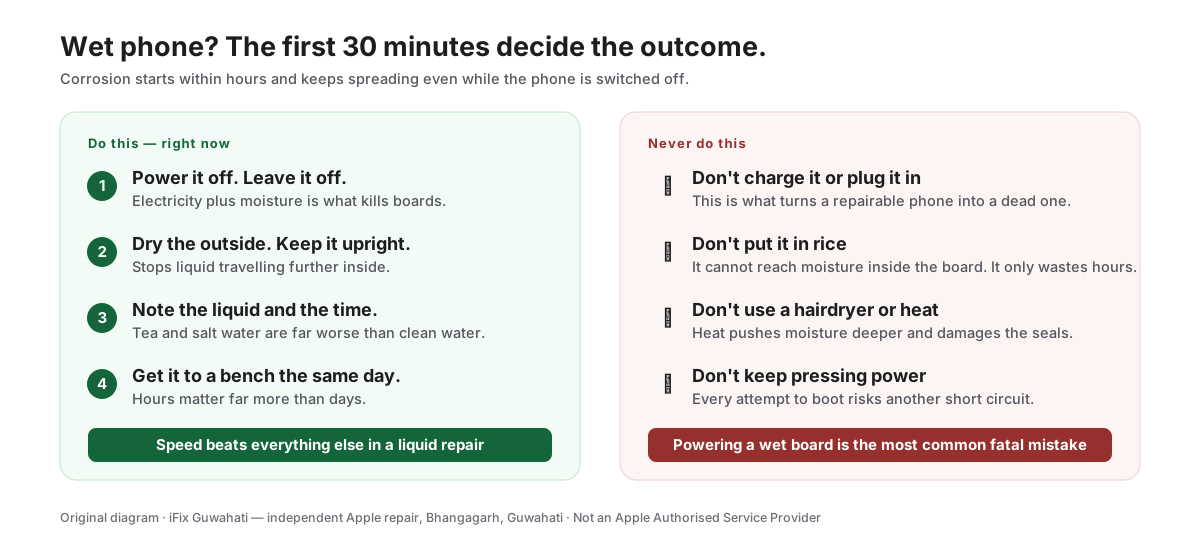
Save or screenshot this — it is the whole emergency procedure on one page.
Do these five things immediately
- Get it out and power it off. Hold the side button and slide to power off. If it already switched itself off, leave it off. Electricity flowing through wet circuits is what does the killing — not the water alone.
- Don’t charge it. Not even “just to check if it works”. Connecting power to a wet phone is the single most destructive thing you can do.
- Dry the outside and the ports. Wipe with a cloth, hold the phone ports-down, and gently tap it against your palm. Don’t blast compressed air into the ports — it pushes water deeper.
- Remove the SIM tray. It’s one of the few openings you can use — leaving it out helps air reach the inside.
- Get it to a professional bench — fast. This is the step people delay, and the delay is what kills phones. Corrosion starts within hours.
Never do these
- Rice. The internet’s favourite fix does almost nothing. A sealed iPhone barely exchanges air with the rice around it, and the mineral deposits already inside don’t care how dry the outside gets. Rice mostly wastes the 24 hours that mattered.
- Hair dryers and heaters. Heat drives moisture deeper and can damage the display and battery.
- Charging “to test it”. See above — this is how partially-survivable damage becomes fatal.
- Waiting for symptoms. A phone that “seems fine” can be corroding internally. By the time symptoms appear, the repair is bigger.
What professional treatment actually involves
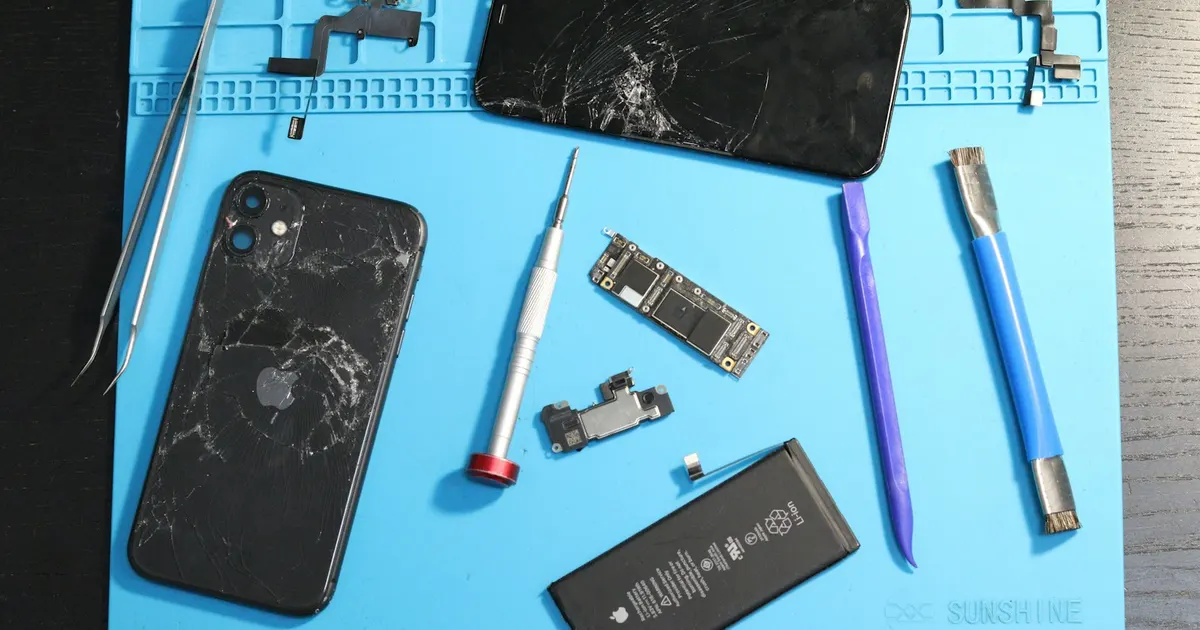
Drying is not the treatment — decontamination is. At iFix Guwahati, a liquid-damaged iPhone is disassembled, the battery is disconnected, and the logic board goes into an ultrasonic cleaner that strips away the conductive mineral film water leaves behind. We then inspect the board under magnification, repair corroded or shorted components, and replace parts the liquid destroyed (displays and batteries are common casualties).
The realistic picture: phones that arrive quickly, powered off, have a good survival rate. Phones that were charged while wet, or arrive weeks later already glitching, are harder — sometimes the honest answer is a board-level repair focused on recovering your data rather than saving the phone. Either way, you’ll get a straight assessment before spending anything.
Wet phone right now? Skip the rest of this article. Power it off and call us: +91 91271 99144.
Tempted to just replace the phone instead? Water damage is the one fault where acting fast changes the outcome most. Get it assessed first — here is how that decision works.