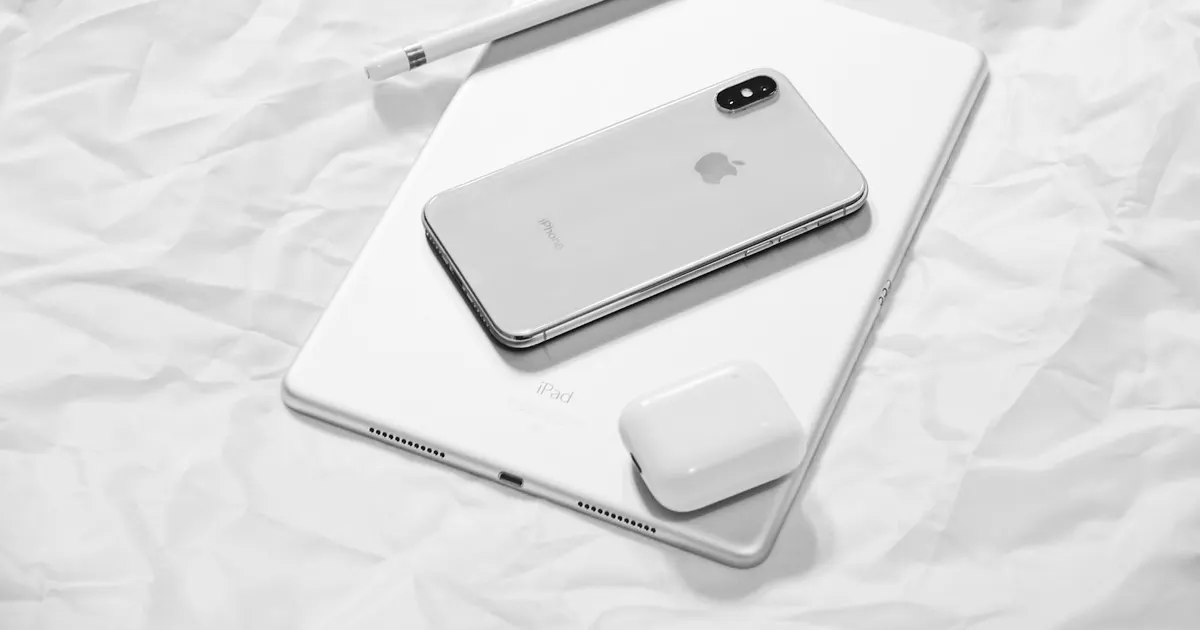
Phones get replaced out of desire. iPads get replaced out of guilt — “it’s old, it’s probably not worth fixing.” That guilt is usually wrong, and it costs people working tablets. Here’s the actual decision framework we use across the counter.
Why iPads age differently
- Easy lives. No 200 daily pocket-drops, no all-day cellular drain. iPad hardware simply wears slower.
- Long software runways. iPadOS supports models for many years, and the core iPad jobs — video, reading, notes, classes, POS/billing — barely care about chip generations.
- Big margins over replacement. Even the cheapest new iPad costs several times a typical battery or glass repair.
Result: a 5-year-old iPad with one fault is usually two repairs away from a decade of service.
The three checks
1. The 50% rule. Repair quote under half the cost of a replacement that would actually satisfy you → repair. Between 50–80% → weigh the next two checks. Above 80% → replace, unless irreplaceable data is trapped inside (recover first, decide later).
2. Software support. Does your model still run current iPadOS, or at least every app you use? A supported iPad is a safe investment; one already dropped from your must-have apps deserves a smaller repair budget. (Ask us — we track which generations are aging out.)
3. Fault pattern. One clean fault — a worn battery, cracked glass, a fussy port — is a green light. Three faults arriving together is a device winding down; spend accordingly.
The repairs that pay off best
- Battery — the afternoon-death cure, and the single best value-per-rupee iPad repair.
- Glass/screen — standard iPads often qualify for glass-only repair, the budget option.
- Charging port cleaning/repair — frequently the entire difference between “dead iPad” and “fine iPad”.
Get a straight answer for your iPad
Bring it in (or WhatsApp the model and symptoms to +91 91271 99144). Honest diagnosis, honest verdict — including “don’t spend on this one” when that’s the truth. We’ve been giving both answers for 10+ years.