The iPhone 17 Pro is one year old. The iPhone 18 Pro is now on sale. Here is the honest comparison — including the parts that argue against upgrading.
What actually changed
| iPhone 18 Pro | iPhone 17 Pro | |
|---|---|---|
| Main camera | 48MP Fusion with variable aperture (ƒ/1.48–ƒ/4.0) | 48MP Fusion, fixed aperture |
| Chip | A20 Pro — 6-core CPU, 7-core GPU, dual 16-core Neural Engine | Previous-generation Apple silicon |
| Battery (Pro Max) | Up to 45 hrs video playback | Lower rated figure |
| Battery (Pro) | Up to 36 hrs video playback | Lower rated figure |
| Storage ceiling | Up to 2TB | Lower |
| Display | 6.3” / 6.9” Super Retina XDR, 460 ppi | Comparable sizes and resolution |
iPhone 18 Pro figures from Apple’s published specifications, checked 24 September 2026.
Note what is not on that list: no dramatic redesign, no new display technology, no change to the fundamental shape of the phone. This is an iterative year with one standout feature.
The case FOR upgrading
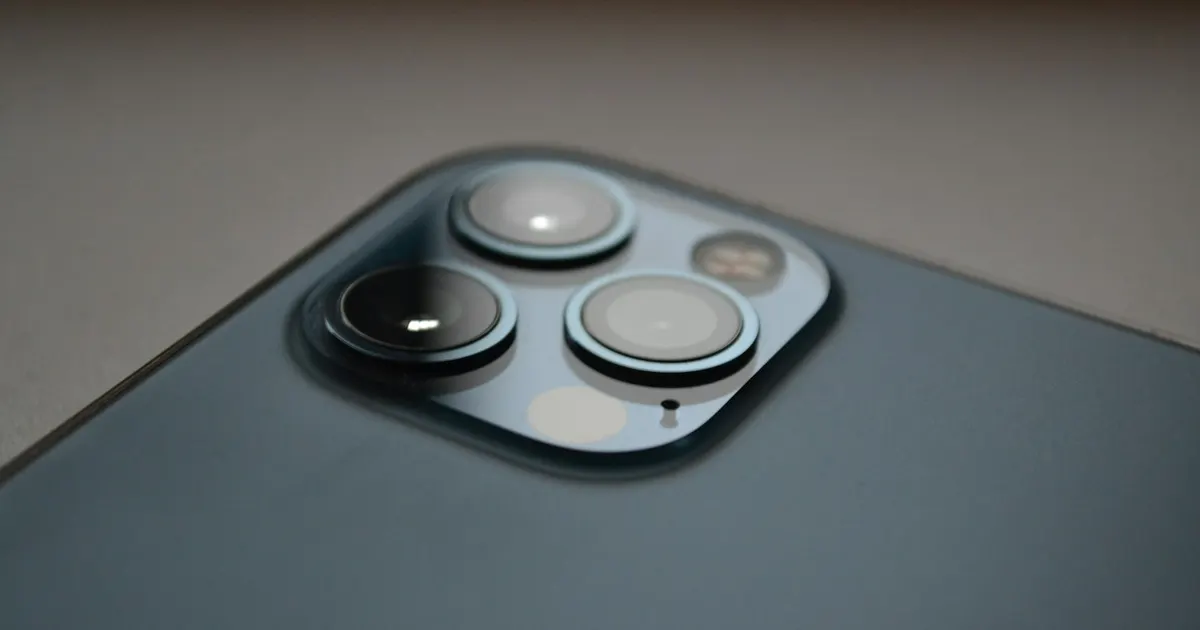
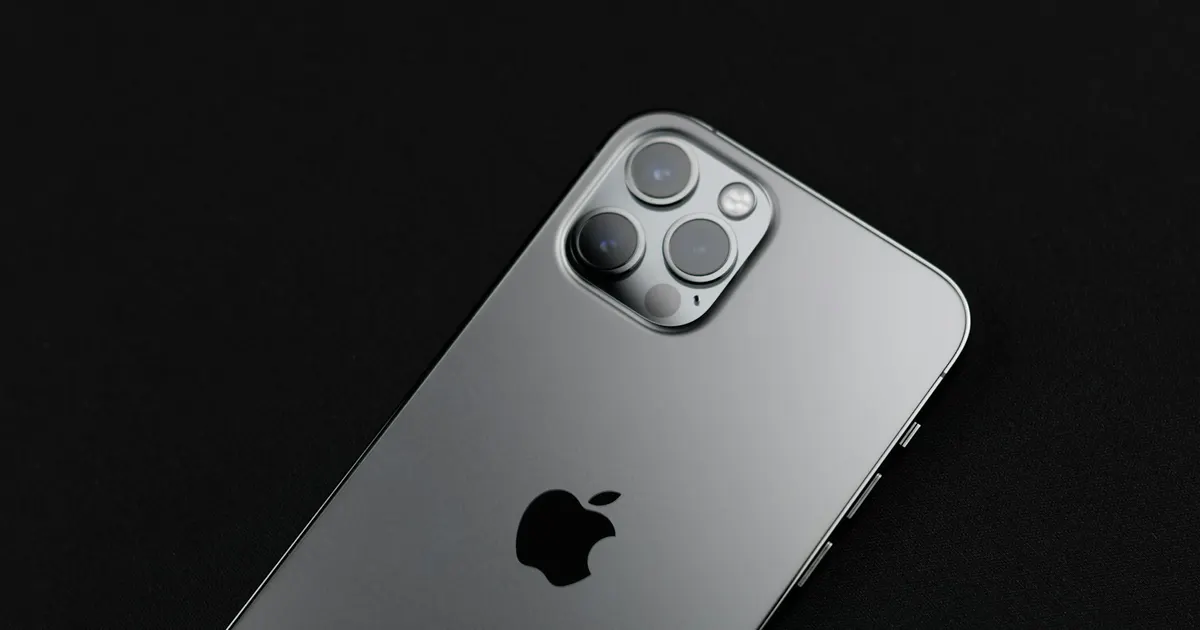
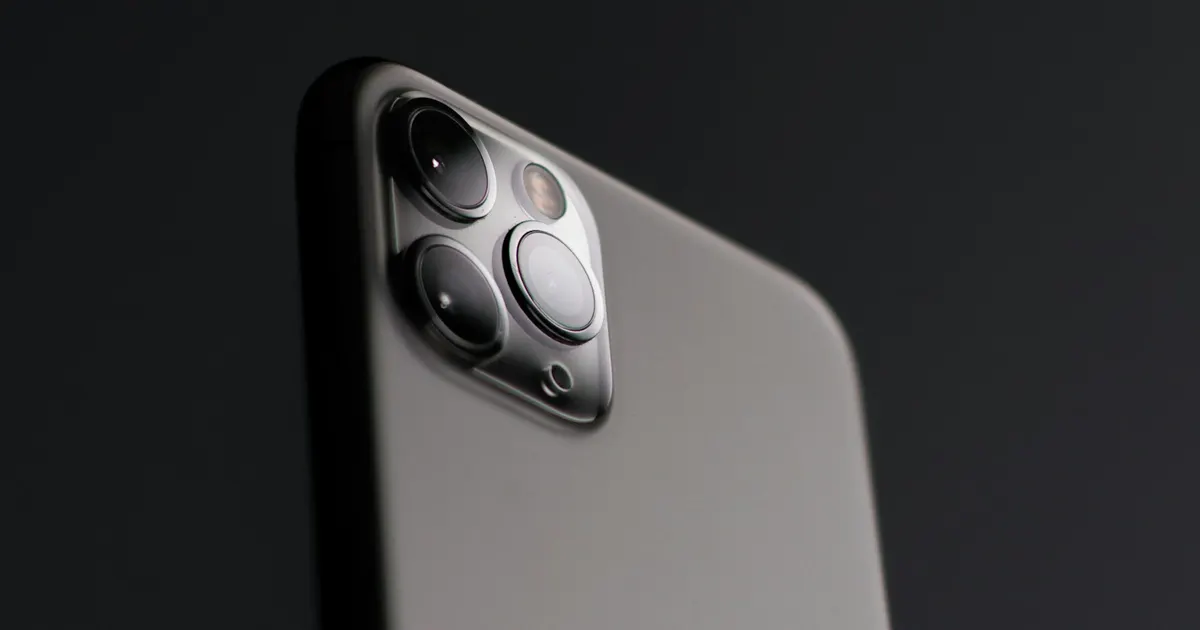
You photograph in difficult light. Variable aperture is the first genuinely new camera capability in several generations. Being able to physically open up to ƒ/1.48 for a dim room, or stop down to ƒ/4.0 to keep a group sharp, is real optical control rather than a software approximation. If photography is a significant part of why you carry a Pro, this is the upgrade that justifies itself.
You run out of battery daily. The rated jump is substantial, particularly on the Pro Max. If you regularly hit empty by evening on a 17 Pro whose battery is still healthy, more capacity genuinely helps.
You do sustained heavy work. Long video exports, demanding games, on-device AI. The dual 16-core Neural Engine is clearly aimed here.
You want 2TB. If you shoot ProRes video, the larger ceiling matters and nothing else offers it.
The case AGAINST upgrading
Your 17 Pro is not slow. It was not slow last year and it has not become slow. If it feels slow, that is worth diagnosing rather than replacing — see below.
Daylight photos will look nearly identical. Variable aperture earns its keep in awkward light. In good light, both phones produce excellent results from the same 48MP sensor class.
A one-year jump is the weakest upgrade in the cycle. Apple’s largest changes accumulate over two or three generations. Upgrading annually means paying the most for the least difference.
The money has better uses. A Pro-tier purchase is significant. If the 17 Pro does everything you need, that money is not buying you capability — it is buying you newness.
Before you decide: is something actually wrong with your 17 Pro?
This is the part most comparison articles skip, and it is the one we see play out in our workshop constantly.
People replace phones that do not need replacing, because a single component quietly failed and nobody told them it was fixable.
| What your 17 Pro is doing | What it probably means |
|---|---|
| Dies by mid-afternoon | Battery capacity loss. Check Settings → Battery → Battery Health. Under 80% means real degradation — and a replaceable cell, not a dead phone. |
| Feels sluggish, apps relaunch | Often the same battery issue. iOS reduces peak performance when a battery can no longer deliver current cleanly. |
| Cracked screen you have lived with | A display replacement is a fraction of a new Pro. Weigh it against the phone’s overall condition. |
| Charges only at certain cable angles | Frequently just compacted lint in the port. Sometimes a worn port. Rarely a reason to buy a phone. |
| Got wet at some point | Get it checked properly — corrosion problems worsen quietly over time. |
A phone with one failed component is not an obsolete phone. It is a phone with one failed component.
Our recommendation
Upgrade if: photography in tricky light matters to you, or your battery is healthy and still not enough for your day.
Keep the 17 Pro if: it works well, or the only complaint is battery life on a cell that has simply worn out. In the second case, replacing the battery restores the phone for a small share of the upgrade cost.
Diagnose first if: anything is actually broken. You cannot make a sensible repair-versus-replace decision without knowing what is wrong — and that decision framework is here.
Wondering whether your 17 Pro has a real fault or just needs a battery? Bring it in or send us the details — we will tell you which it is before you spend anything on a new phone. iPhone repair in Guwahati →