Launch day changes what is available to buy. It does not change the phone in your pocket.
If you are using an iPhone 15, 16 or 17, here is a realistic look at where you actually stand.
First: the thing that applies to all three
Your phone is exactly as good today as it was last week. The camera did not get worse. The battery did not lose capacity because a press release went out.
What does change is the comparison in your head — and that comparison is worth making deliberately rather than emotionally.
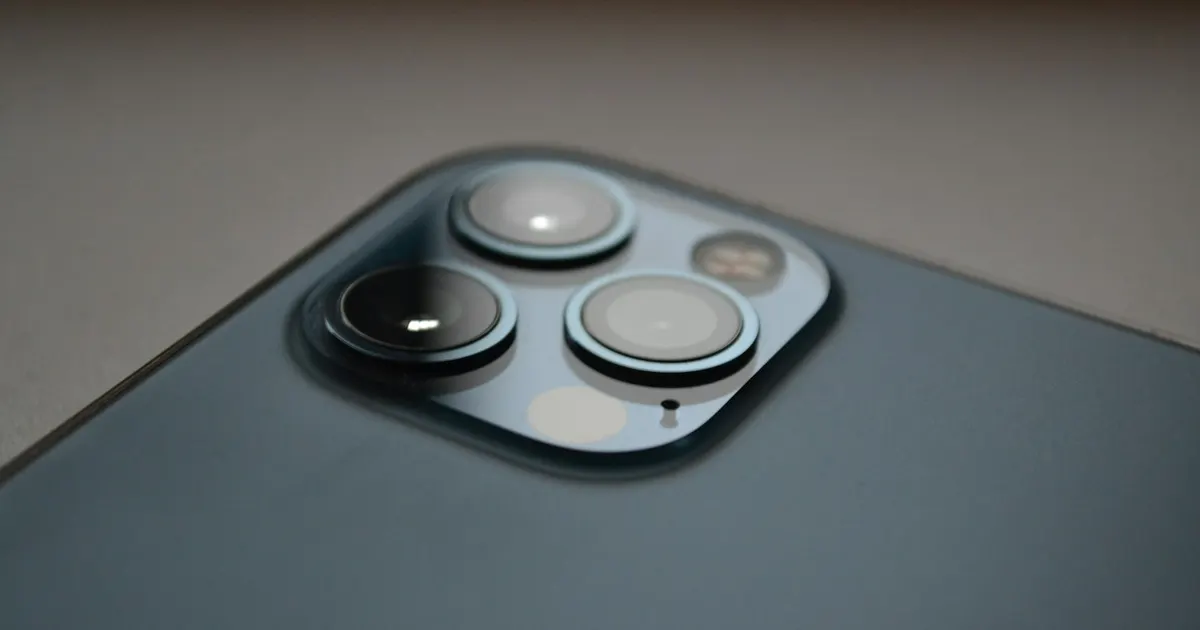
The one genuinely new capability on the iPhone 18 Pro is a physically variable aperture on the main camera (ƒ/1.48 to ƒ/4.0). Everything else is refinement: a faster chip, a bigger battery rating, more storage. Those are improvements, not transformations.
If you have an iPhone 17
Default answer: keep it.
You are one generation behind, on a phone that is current enough to still be sold alongside the new models. A one-year upgrade is the weakest value point in the entire cycle — you pay the most for the least difference.
Reconsider only if: you photograph seriously in poor light, where variable aperture is a real advantage.
Do not upgrade because: it feels slow. A 17 is not slow. If yours feels sluggish, that is usually a worn battery causing iOS to reduce peak performance — a fixable component issue, not an ageing phone.
If you have an iPhone 16
Default answer: keep it, unless something is wrong.
Two generations back, still comfortably capable, still supported.
Worth upgrading if: the camera improvements genuinely matter to your work, or you were planning to upgrade anyway and this is a convenient moment.
Check first if: the battery is fading. Two years is roughly when lithium-ion cells start showing real capacity loss. Settings → Battery → Battery Health tells you in seconds. Under 80% means the cell is genuinely worn — and replacing it costs a small fraction of a Pro.
We see a lot of iPhone 16s replaced for what is, in the end, a worn-out consumable part.
If you have an iPhone 15
Default answer: a genuine upgrade is available — but diagnose first.
Three generations is where accumulated improvements become noticeable rather than theoretical. If you upgrade, you will feel it.
But this is also the age at which phones develop their first real faults, and it is the age at which people most often mistake a fixable fault for an obsolete phone.
Before you decide, check honestly:
| What it is doing | What it usually means |
|---|---|
| Dies by afternoon | Worn battery — a replaceable part |
| Feels slow | Usually the same battery, throttling performance |
| Cracked screen you have lived with | A display replacement, not a new phone |
| Charges intermittently | Frequently just lint in the port |
| Camera looks soft or shaky | A camera module — repairable |
| Everything works fine | Then this is purely a want. Which is fine. |
If two or three of those rows apply at once, replacement starts to make real sense. If one does, it is almost certainly cheaper to fix. The full decision framework is here.
The pattern we see every launch
Someone comes in wanting to know if their phone is worth trading in. We check it, and the phone turns out to be fine apart from one thing — usually the battery.
They had been living with a phone that dies at 4pm, assumed it meant the phone was finished, and were about to spend Pro money to solve a problem that a component replacement fixes.
Sometimes the answer genuinely is “replace it” — badly corroded boards, multiple simultaneous faults, phones past software support. When that is the case we say so plainly. But it is the less common outcome.
Summary
| You have | Default | Check first |
|---|---|---|
| iPhone 17 | Keep | Battery health if it feels slow |
| iPhone 16 | Keep | Battery health — two years is the usual point |
| iPhone 15 | Upgrade is defensible | Diagnose any fault before assuming it is age |
Not sure whether your iPhone has a real fault or just needs a battery? That is a five-minute answer, and it is worth having before you spend on a new phone. iPhone repair in Guwahati → · Send us your model →