A battery complaint walks into our Guwahati workshop dozens of times a week, and the cause splits roughly evenly: half software behaviour, half a genuinely worn battery. Here’s the same elimination path our technicians use — do it in order, and you’ll know which half you’re in before spending a rupee.
Step 1: Read what iOS already knows
Settings → Battery → Battery Health & Charging. Two things matter:
- Maximum Capacity. 100–90%: healthy. 89–81%: ageing, drain will be noticeable. 80% or below: worn out — this alone explains fast drain, and no software trick will fix it.
- Any message about “significant degradation” or peak performance. If iOS says the battery is degraded, believe it.
Then check Settings → Battery usage graphs. If one app dominates the battery usage list, you’ve likely found a software culprit, not a hardware one.
Step 2: The software checklist (10 minutes)
- Update iOS — battery-drain bugs get fixed in point releases regularly.
- Check Background App Refresh (Settings → General) — turn it off for apps that don’t need it.
- Location Services (Settings → Privacy) — apps set to “Always” are drain machines; switch to “While Using”.
- Push email — fetching every arriving mail instantly costs power; switch to 15/30-minute fetch if you can live with it.
- Screen brightness and Always-On Display — the display is the biggest consumer on any phone.
- After an iOS update, wait 48 hours — indexing after updates temporarily hammers the battery. Judge only after it settles.
If drain returns to normal after this list, you’re done — it was software.
Step 3: Recognise the hardware signs
These symptoms point at the battery itself, regardless of what Battery Health claims:
- Sudden percentage jumps — 40% to 15% in minutes, or shutdown at 25%.
- Shutdowns in cool weather or under camera/gaming load.
- The phone feels warm during light use.
- Slowness — iOS throttles the processor when the battery can’t deliver peak current. A “slow old iPhone” is very often just a tired battery.
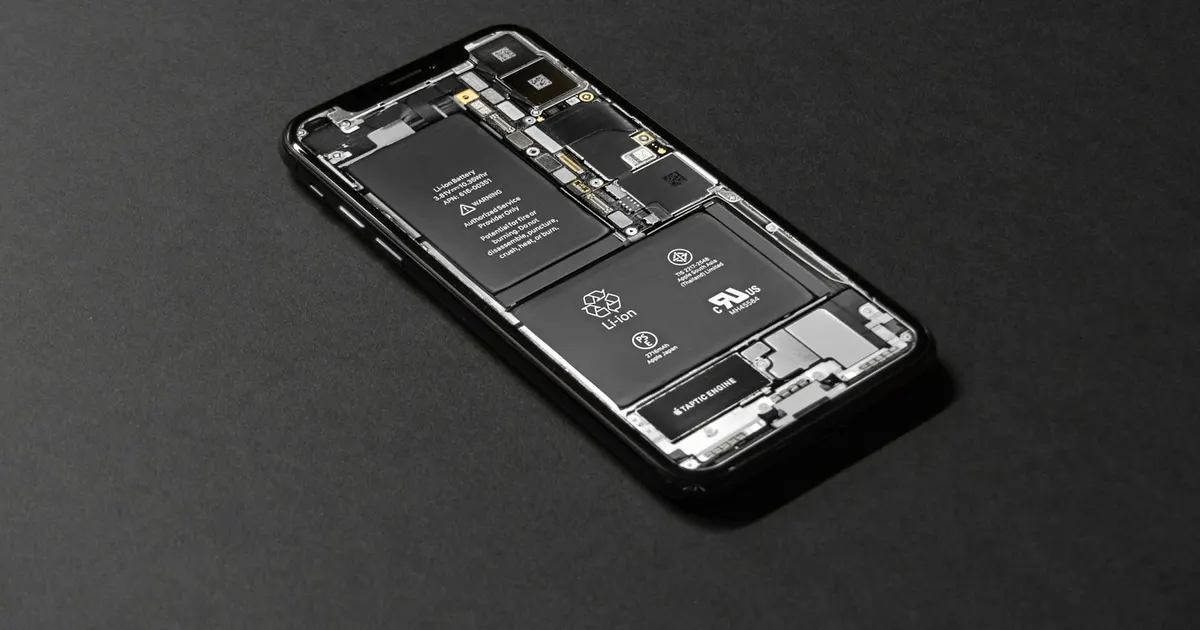
- Any bulging or screen lifting — stop charging and get it checked immediately; that’s a swollen cell.
What replacement involves
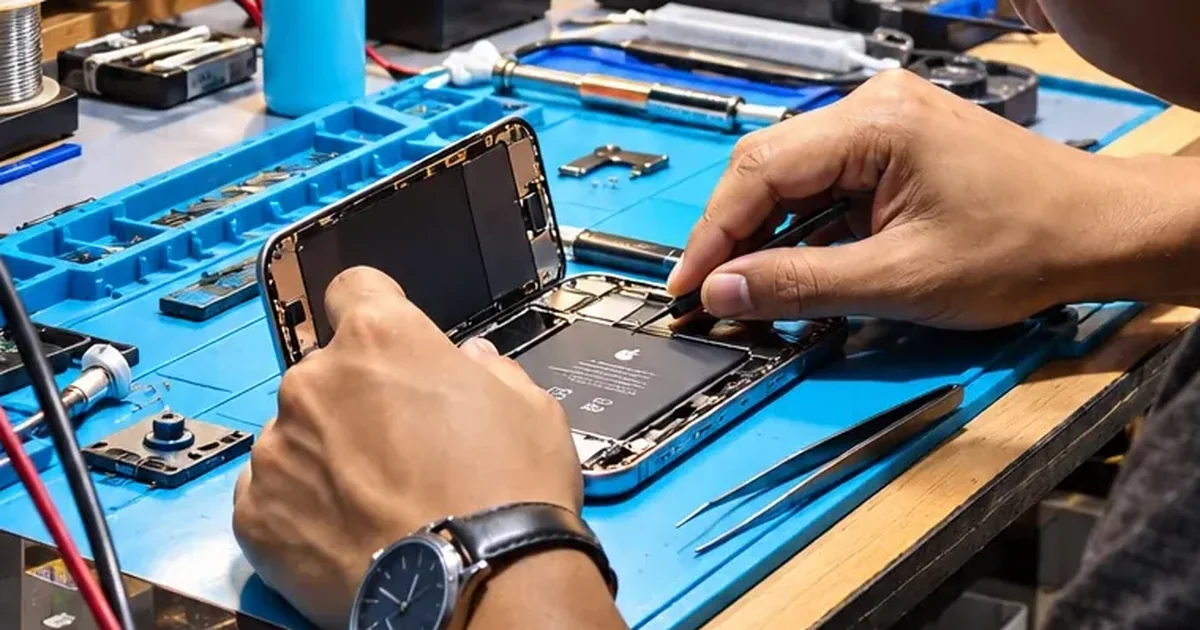
A battery replacement at iFix Guwahati is one of our quickest repairs — often done while you wait when your model’s battery is in stock. Your data is untouched, and we verify charging and health reporting before handing the phone back. If you’re unsure which half of the diagnosis you’re in, bring the phone by: checking takes minutes and costs nothing.
Launch season making you consider an upgrade? Fast drain is usually a worn battery, not an old phone. Repair or upgrade — decide by fault.
Did this start right after an iOS update? That changes the answer — give it three to five days before blaming the battery.