Audio faults frustrate people because the phone looks fine — until a call comes in silently or a customer says “hello? hello?” for the third time. The good news: iPhone audio problems localise very precisely once you test the right way.
Two-minute software checks
- Bluetooth. Settings → Bluetooth off, then test. A paired earbud left connected in a bag silently steals all audio — genuinely our most common “broken speaker” diagnosis.
- Silent switch and volume. Obvious, still worth five seconds.
- Do Not Disturb / Focus modes for silent ringtones.
- Restart. Audio routing occasionally hangs after app crashes.
Locate the fault like a technician
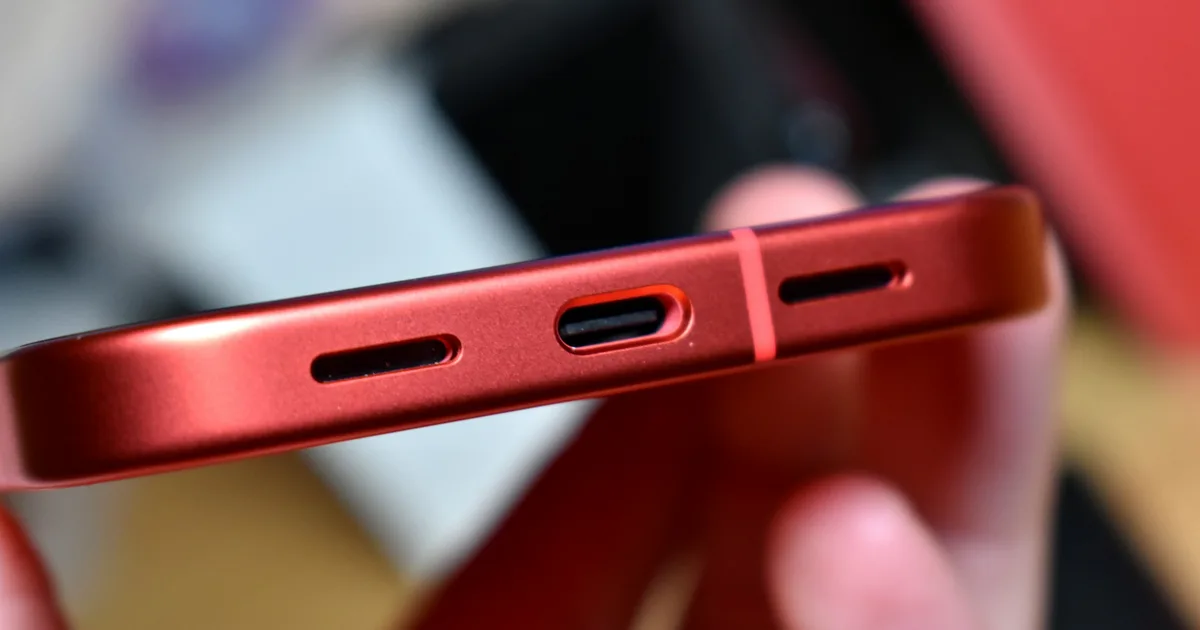
iPhones carry two speakers (ear speaker at top, loudspeaker at bottom) and multiple microphones (bottom for calls, front and rear for video/FaceTime). Test each path:
| Test | Works? | Points to |
|---|---|---|
| Voice memo recording | No | Bottom (primary) mic |
| Callers can’t hear you, memos fine | — | Call-mic path — often the port flex |
| Video sound recording | No | Front/rear mic |
| Music on loudspeaker | No | Bottom speaker |
| Call audio at your ear | No | Ear speaker (top) |
The dirt factor
Guwahati’s dust and monsoon spray pack speaker grilles with grime that muffles everything gradually. Don’t poke pins or blast compressed air into ports. A soft dry brush across the grilles is safe at home; beyond that, professional cleaning takes minutes and solves a surprising share of “dead speaker” phones.
When it’s a repair
- Bottom mic and loudspeaker faults often share the charging-port flex assembly — one repair, same as a port job.
- Ear speaker failures are a standalone part swap, common after drops and third-party screen work.
- Post-water crackle = speaker replacement plus an internal moisture inspection.
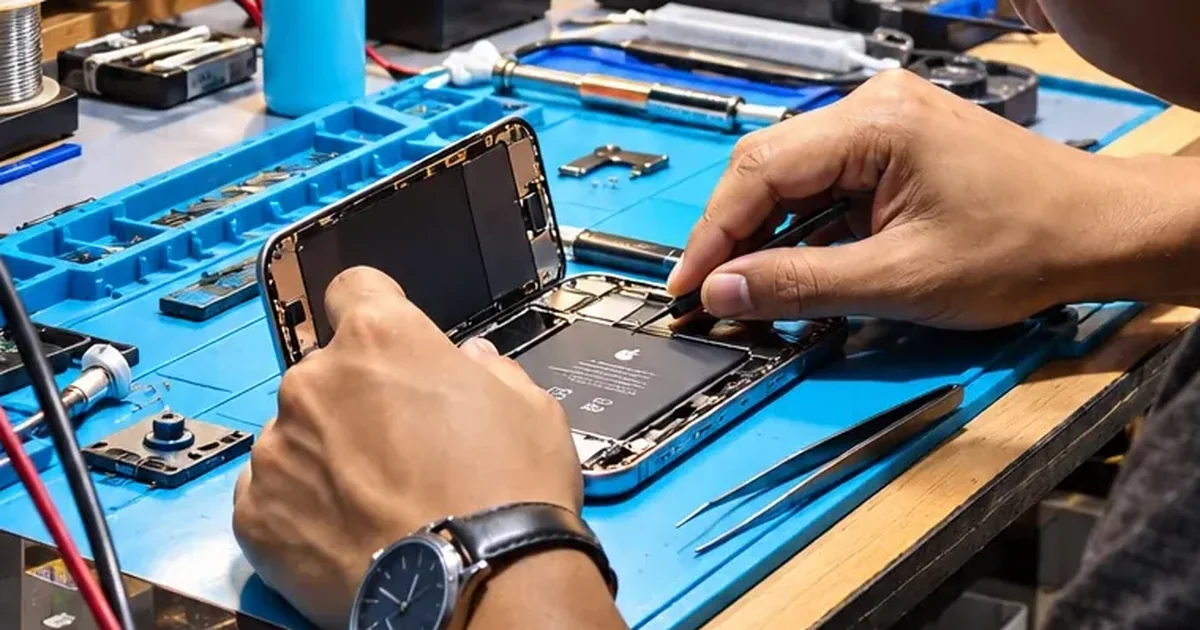
- Everything dead with settings ruled out = audio-circuit territory, which is board-level work we do in-house.
Proper diagnosis at Bhangagarh, Mon–Sat 10–7 — or describe the symptom on WhatsApp: +91 91271 99144.