A green iPhone screen looks alarming — and the internet’s answers range from “just update iOS” to “your phone is finished”. The truth sits in the middle, and the pattern of the fault tells you where.
Software or hardware? Read the pattern
Likely software (fix: update iOS, restart, disable auto-brightness to test):
- Green tint that appears only at low brightness, on dark backgrounds
- Started immediately after an iOS update, affects many users online
- Comes and goes with no physical trigger
Hardware (needs the bench):
- Green lines — one or several, vertical
- Full green (or pink) screen, persistent
- Flicker that responds to pressing the frame or twisting the phone gently
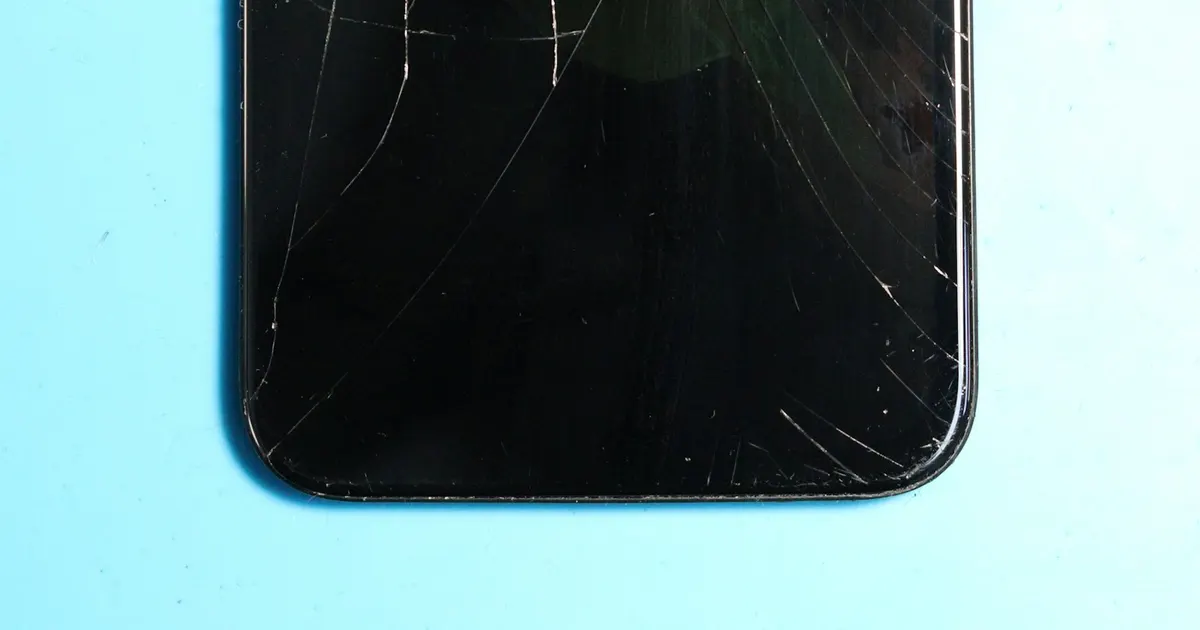
- Anything that started with a drop, a sat-on phone, or a tight pocket
The known OLED story
The iPhone 11–13 era OLEDs have a recognised pattern of green-screen and tint failures as panels age — we see these weekly. When the panel is the cause, the fix is a display replacement, and the choice of panel grade matters: this is exactly the fault where bargain panels earn their price.
When it’s not the panel
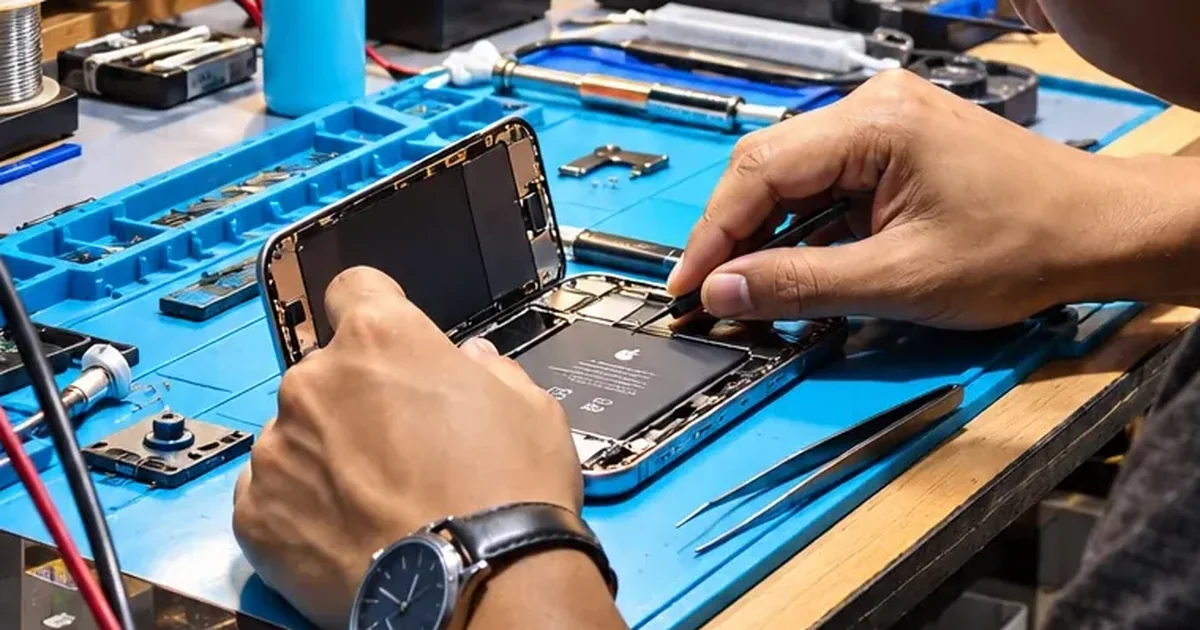
- Connector faults: the display ribbon connectors can loosen or crack after drops. Flicker that changes with gentle frame pressure is the giveaway — and the repair is far cheaper than a new screen. Shops without diagnosis habits replace the panel anyway; the flicker returns.
- Board-level faults: rarest, usually with other symptoms (touch issues, restarts). Display-driver circuits are microsoldering work we handle in-house.
One caution
A flickering screen can fail fully without warning. If the phone matters, back it up now, while the display still works — a five-minute iCloud backup beats a data-recovery job.
Green or flickering screen? Proper diagnosis tells you panel vs connector vs board — and the exact price — before you commit. Bhangagarh, Mon–Sat 10–7 · +91 91271 99144.